 Training
Chapter 1 of 6 · Get oriented
Training
Chapter 1 of 6 · Get oriented
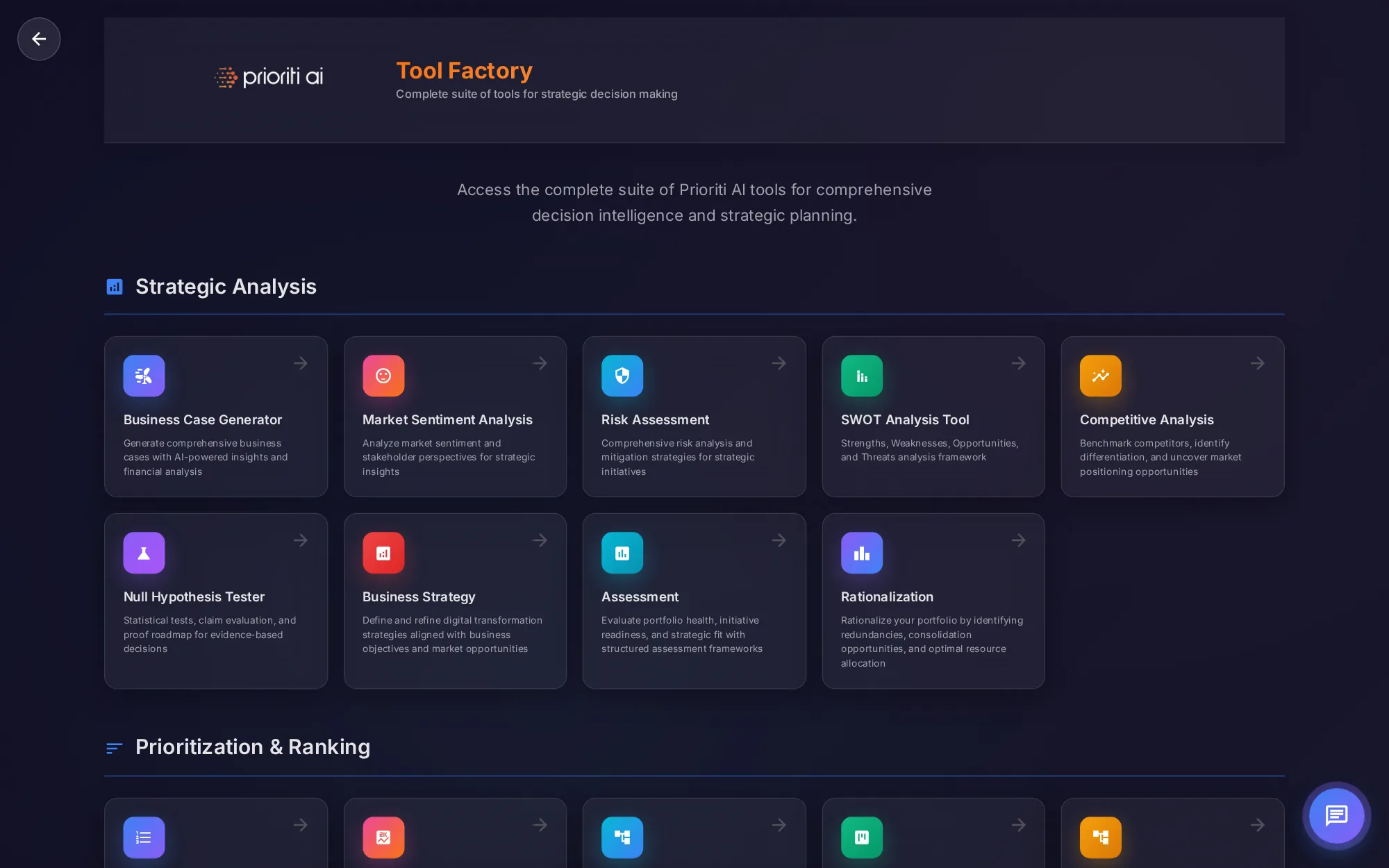

Learn to use the Tool Factory
A narrated tour of the Tool Factory: what each of the twenty-seven tools does, category by category, and when to use it. 38 steps in 6 chapters · about 7:16.

Welcome to Tool Factory training. The Factory is the full library of Prioriti AI tools, grouped in four categories. In about seven minutes, you'll learn what each tool does and when to use it.
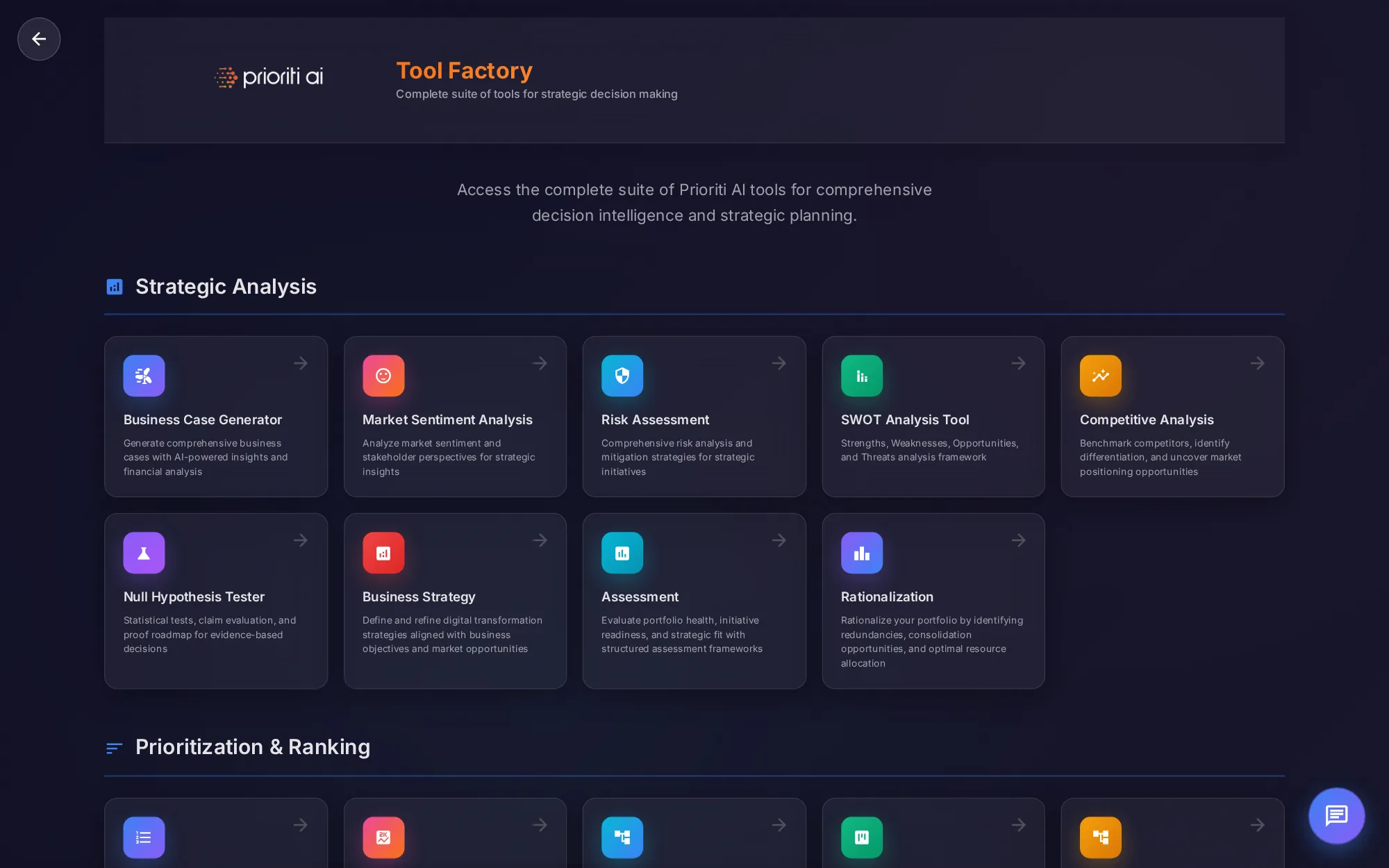
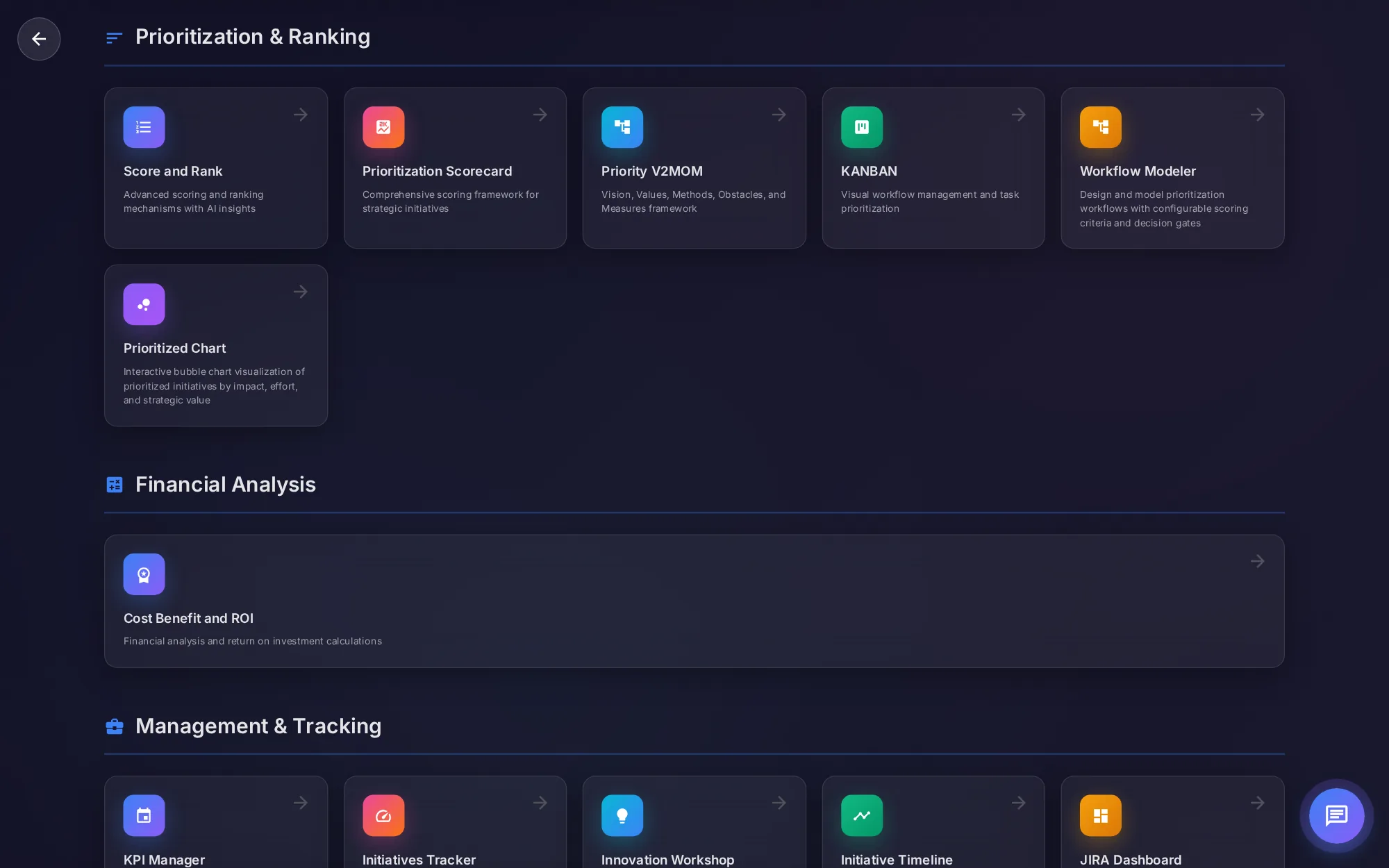
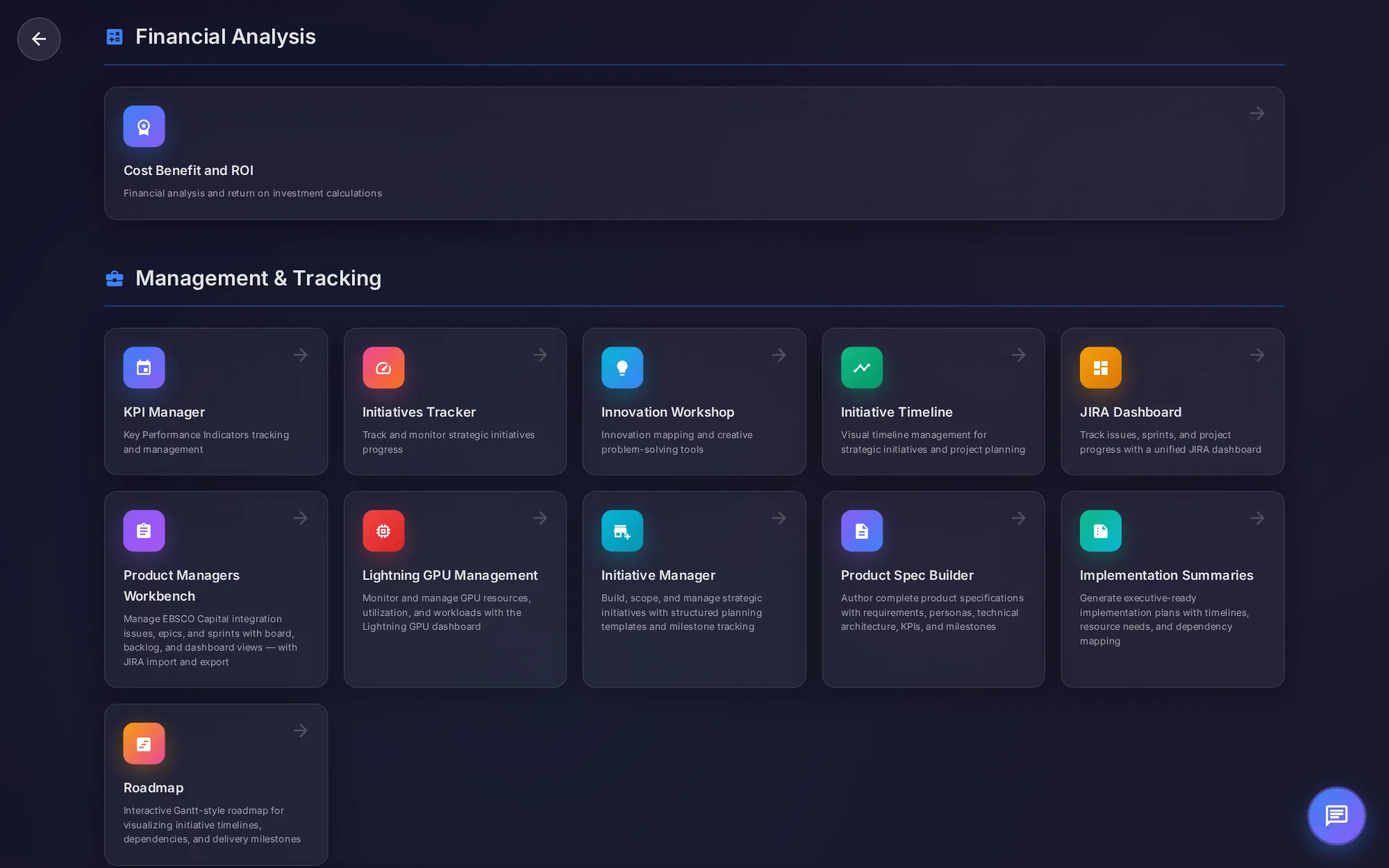
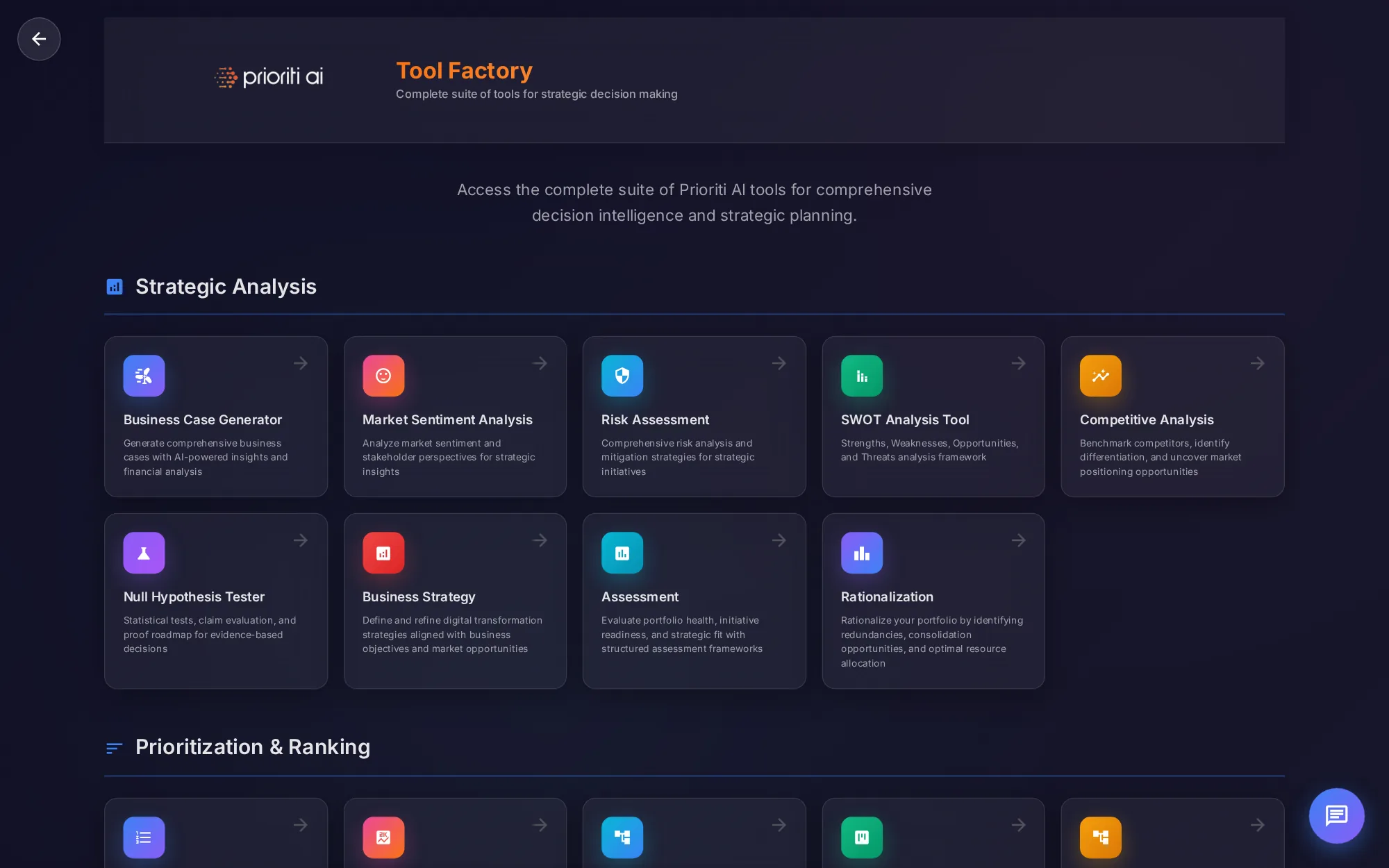
The header names the page. Below it, the tools are grouped by the job they do: strategic analysis, prioritization and ranking, financial analysis, and management and tracking.
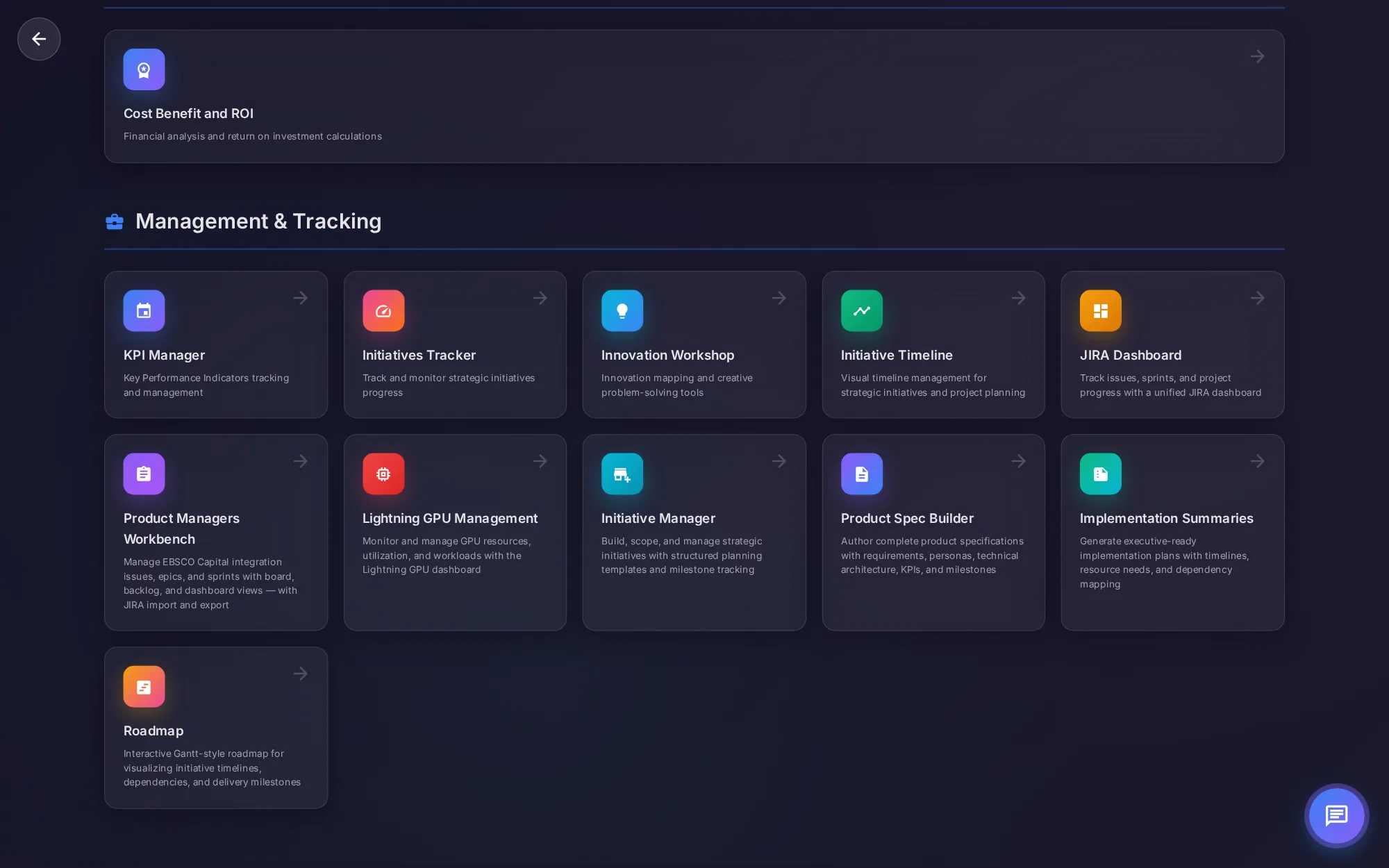
Every tool is a card. The icon and name tell you what it is, and the description tells you what it's for. Click anywhere on a card to open the tool.
The back arrow at the top left returns you to the page you came from.
Pria's chat button sits at the lower right. Ask her which tool fits your question.
Strategic Analysis holds nine tools for framing the problem: business cases, sentiment, risk, SWOT, competitors, hypotheses, strategy, assessment, and rationalization.
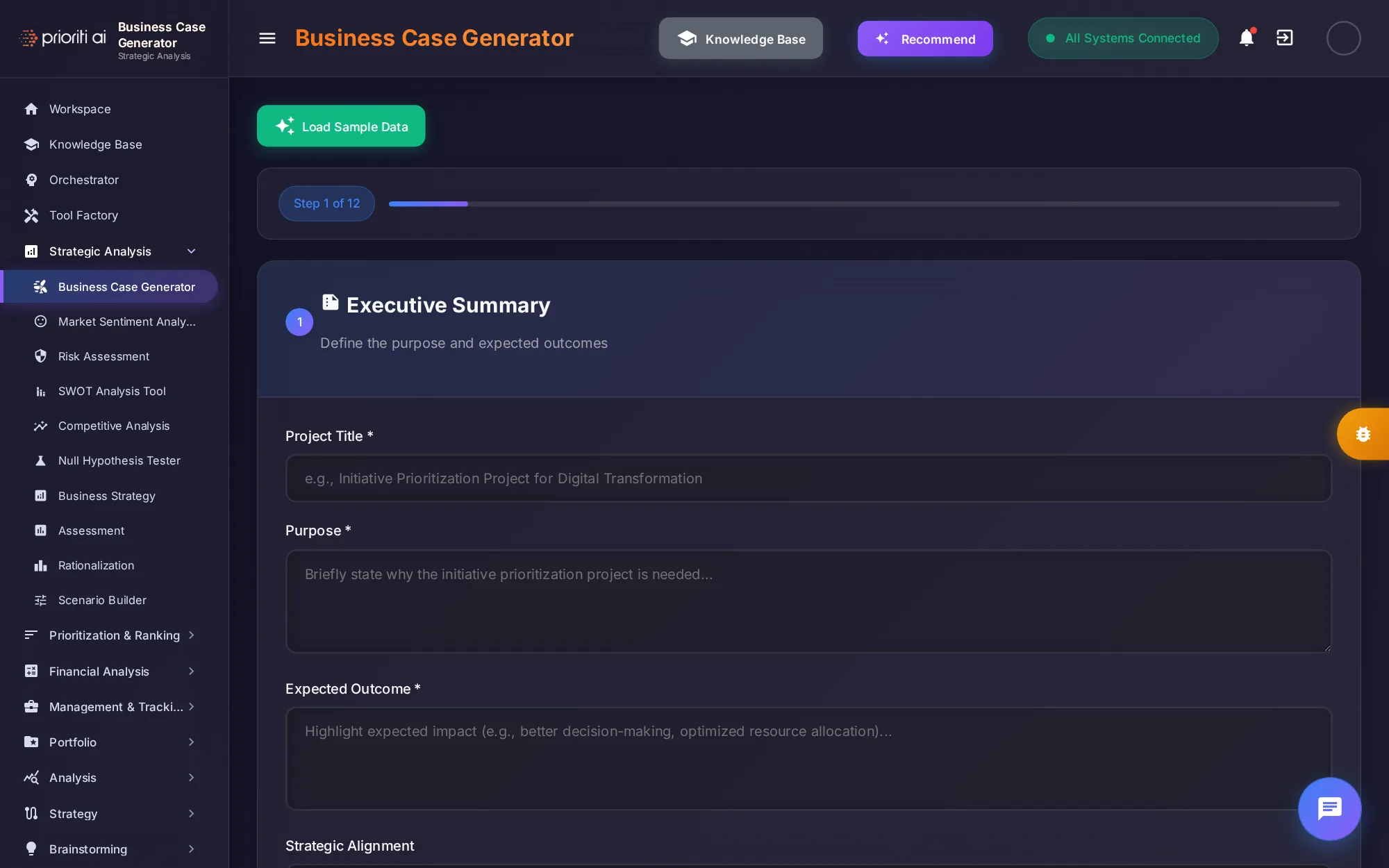
Business Case Generator walks you through twelve steps, from the executive summary to the financials, and uses AI to draft a complete business case.
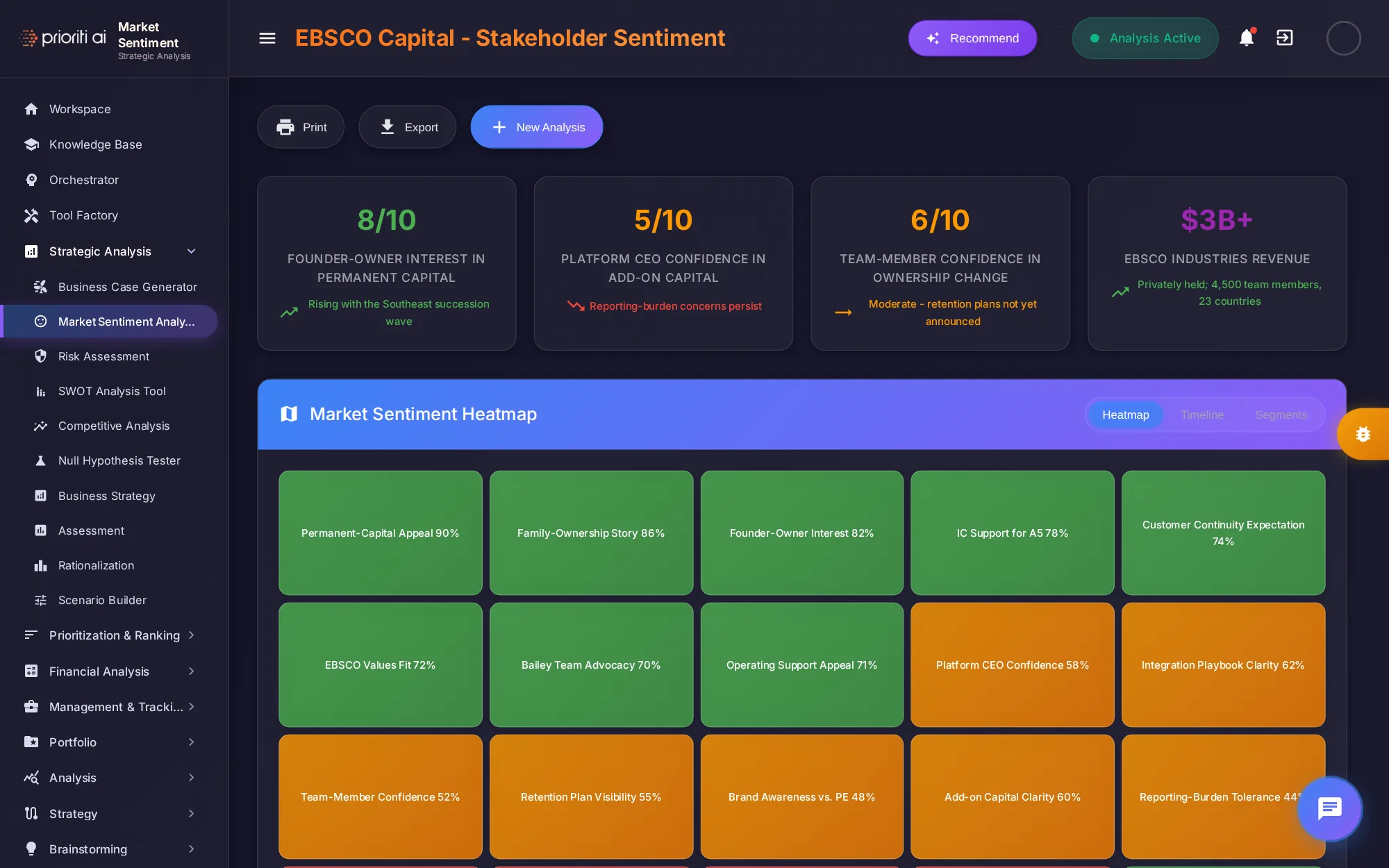
Market Sentiment Analysis measures how stakeholders feel. For Initech Capital, it scores founder-owner interest and confidence, with a heatmap of every sentiment driver.
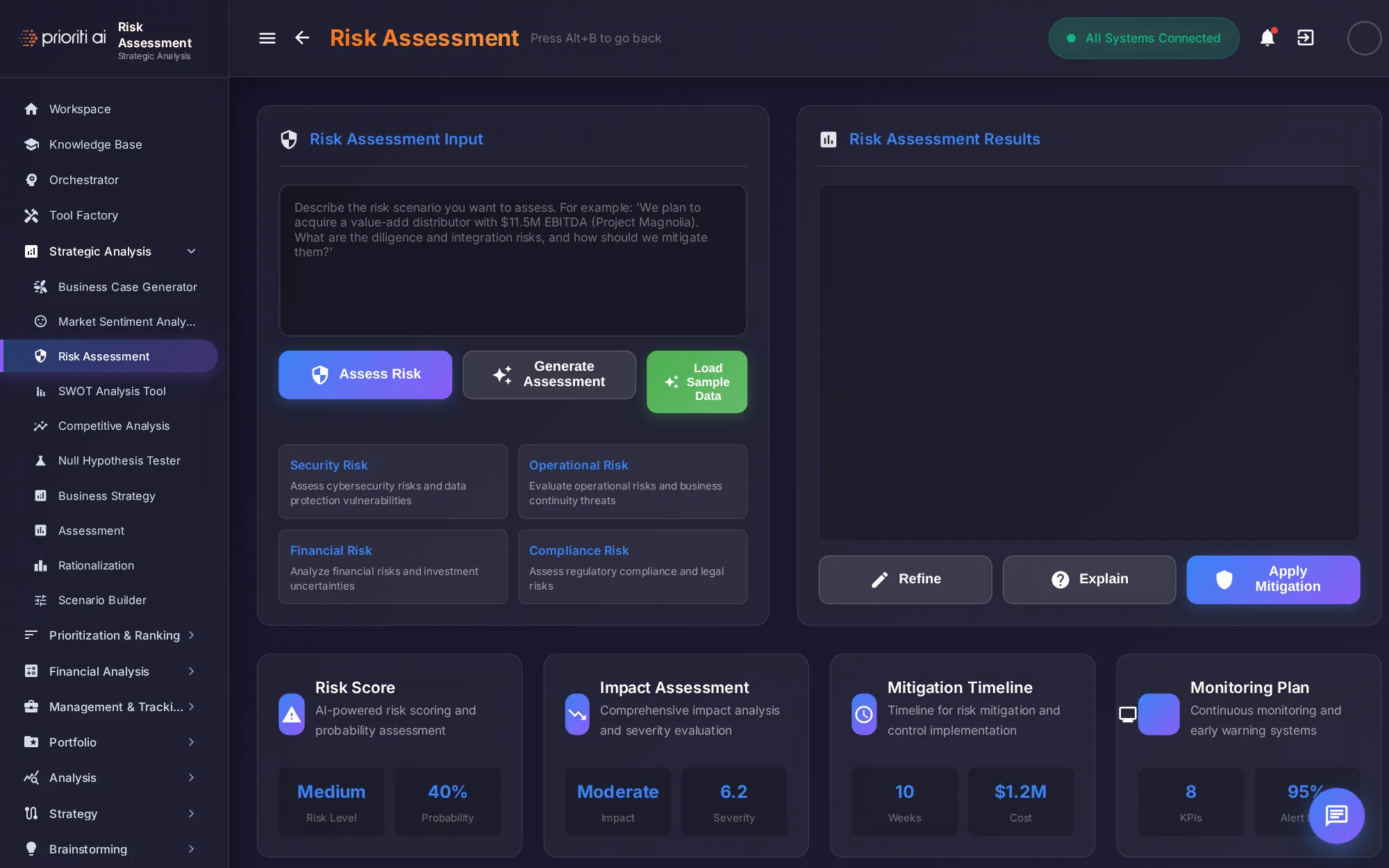
Risk Assessment takes a risk scenario in plain language and returns a risk score, the impact, a mitigation timeline, and a monitoring plan.
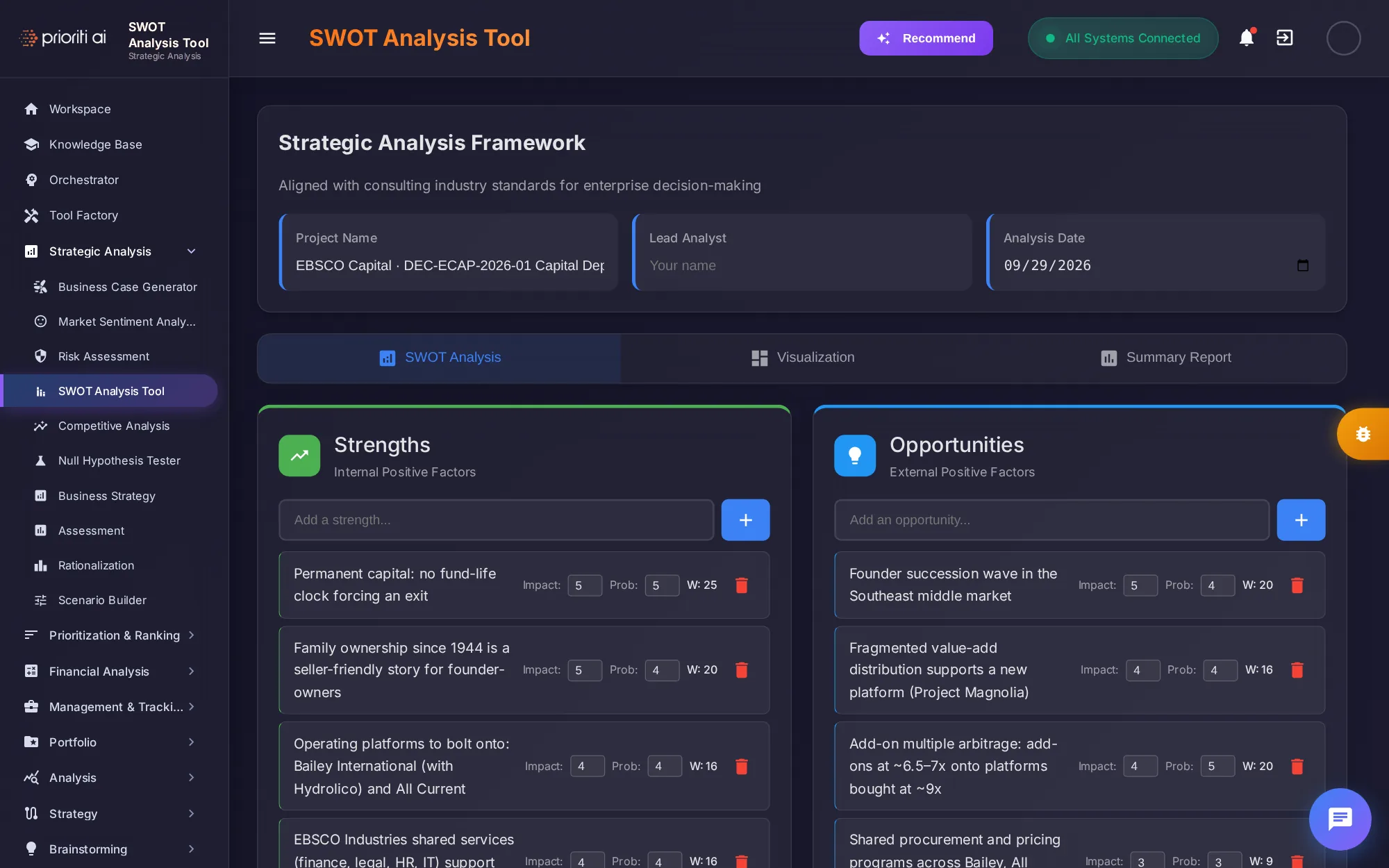
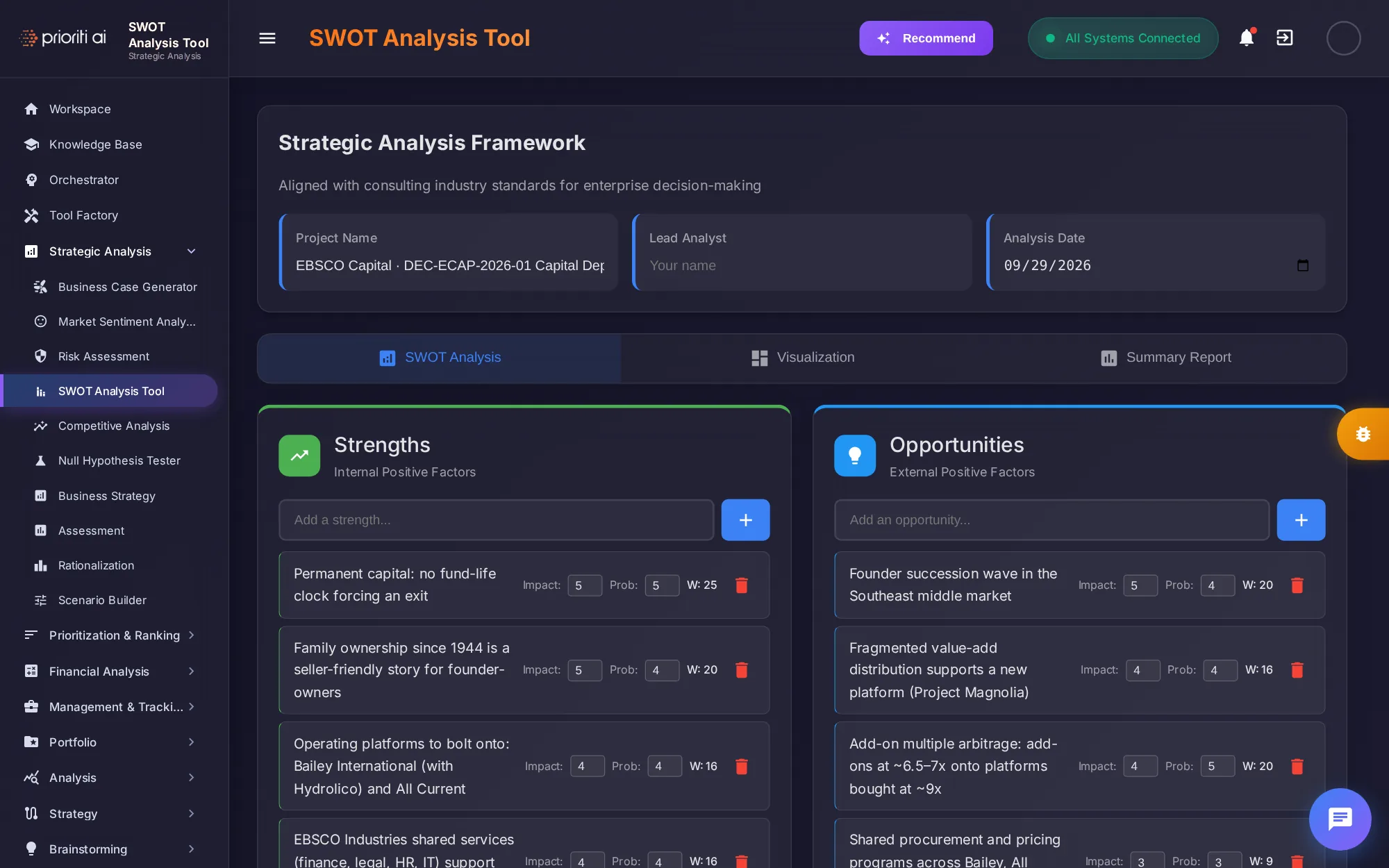
The SWOT Analysis Tool captures strengths, weaknesses, opportunities, and threats. Each item gets an impact and probability score, with visualization and summary report tabs.
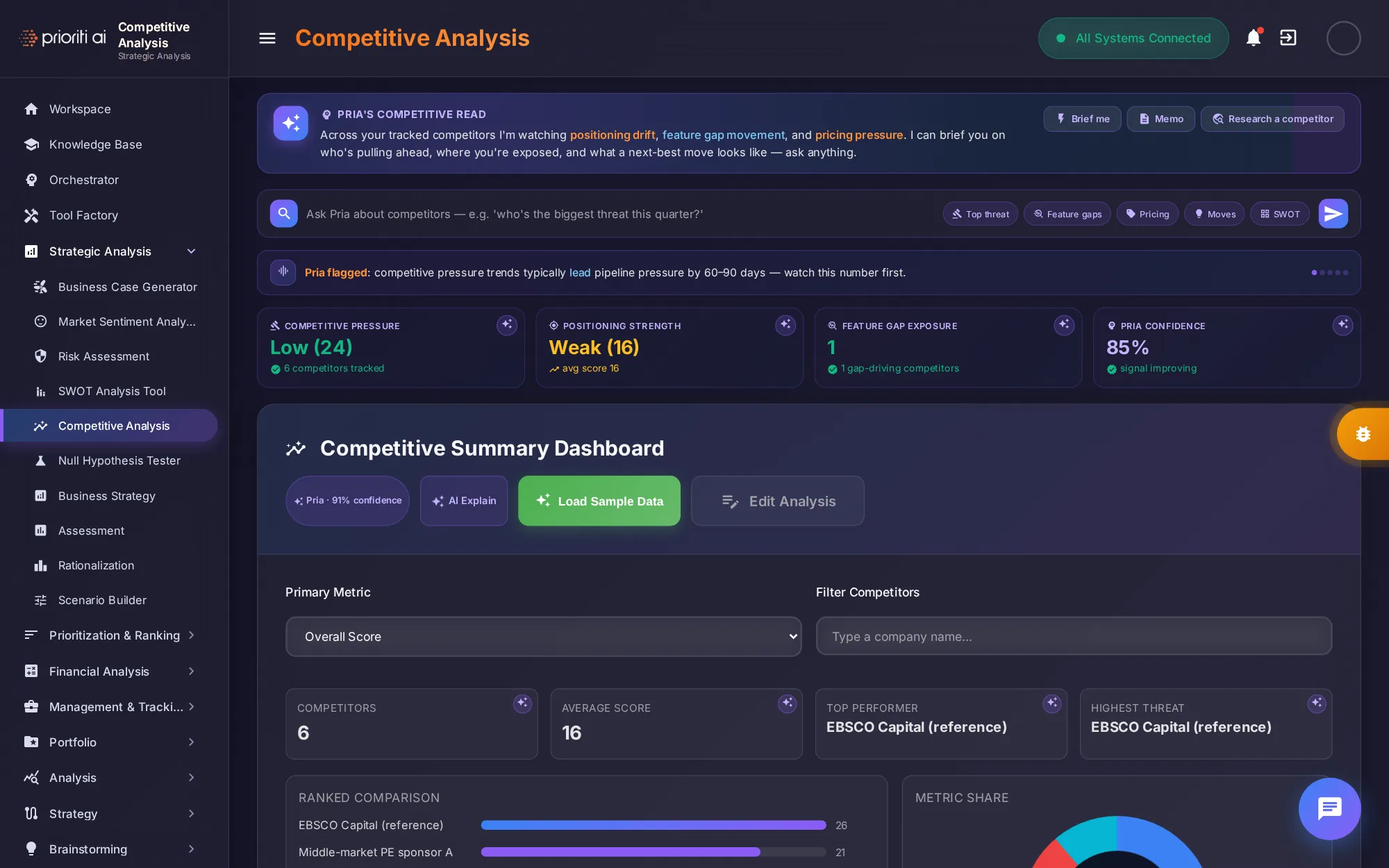
Competitive Analysis benchmarks competitors. Pria reads positioning drift, feature gaps, and pricing pressure, and the dashboard ranks competitors on the metric you choose.
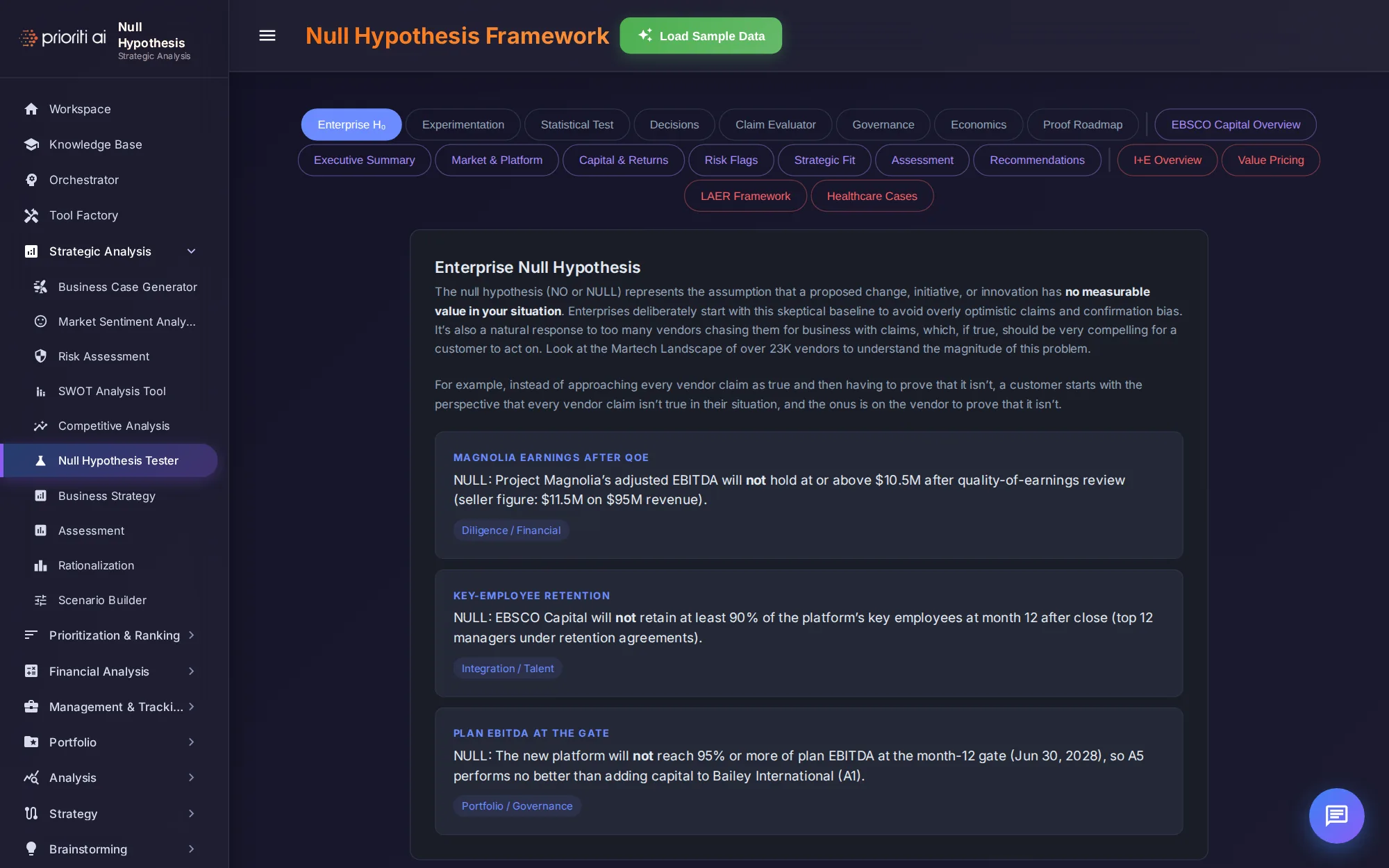
Null Hypothesis Tester starts from a skeptical baseline. Each claim is written as a null hypothesis, so the evidence has to prove it before you act.
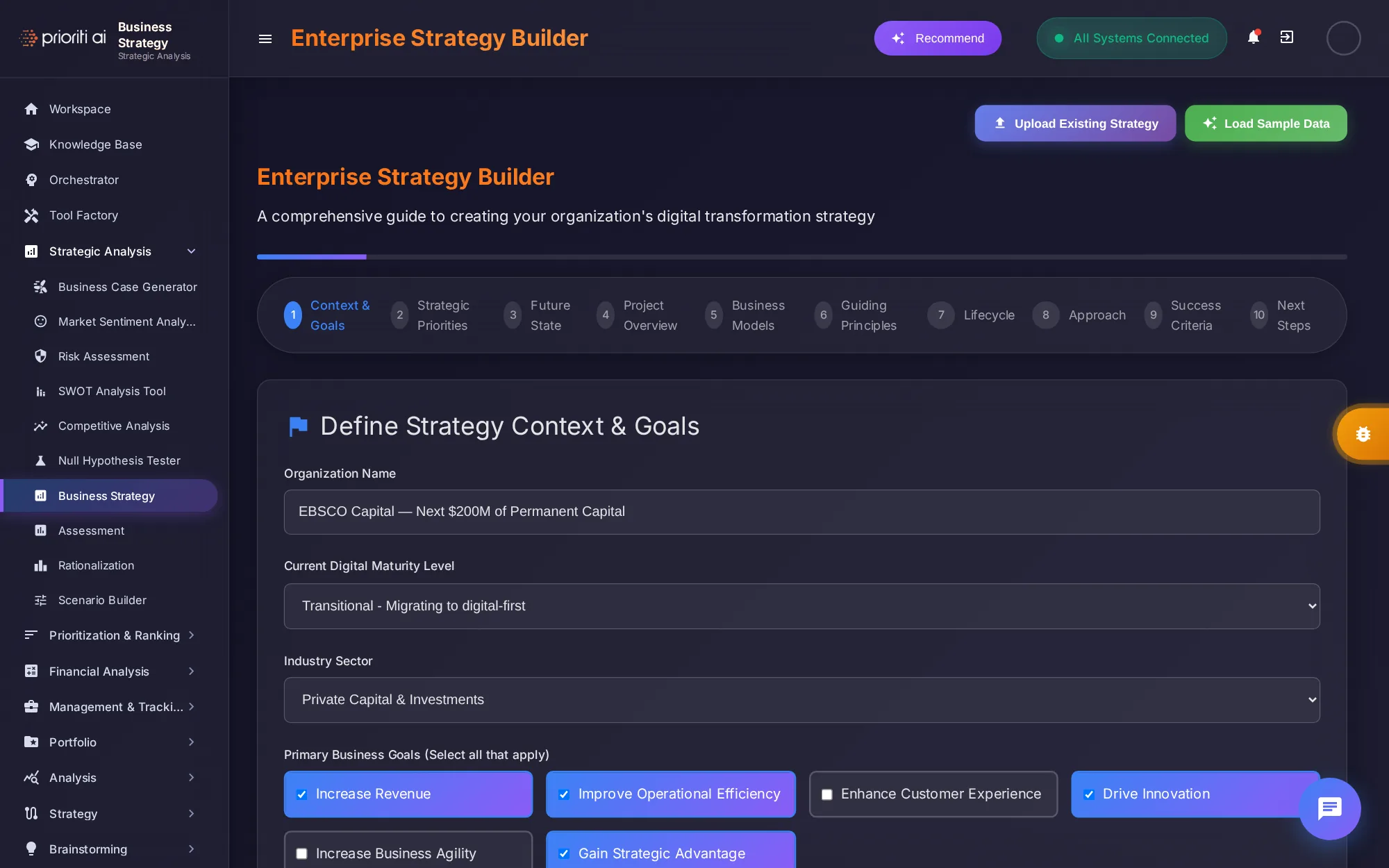
Business Strategy guides you through ten steps, from context and goals to success criteria and next steps, to build an enterprise strategy.
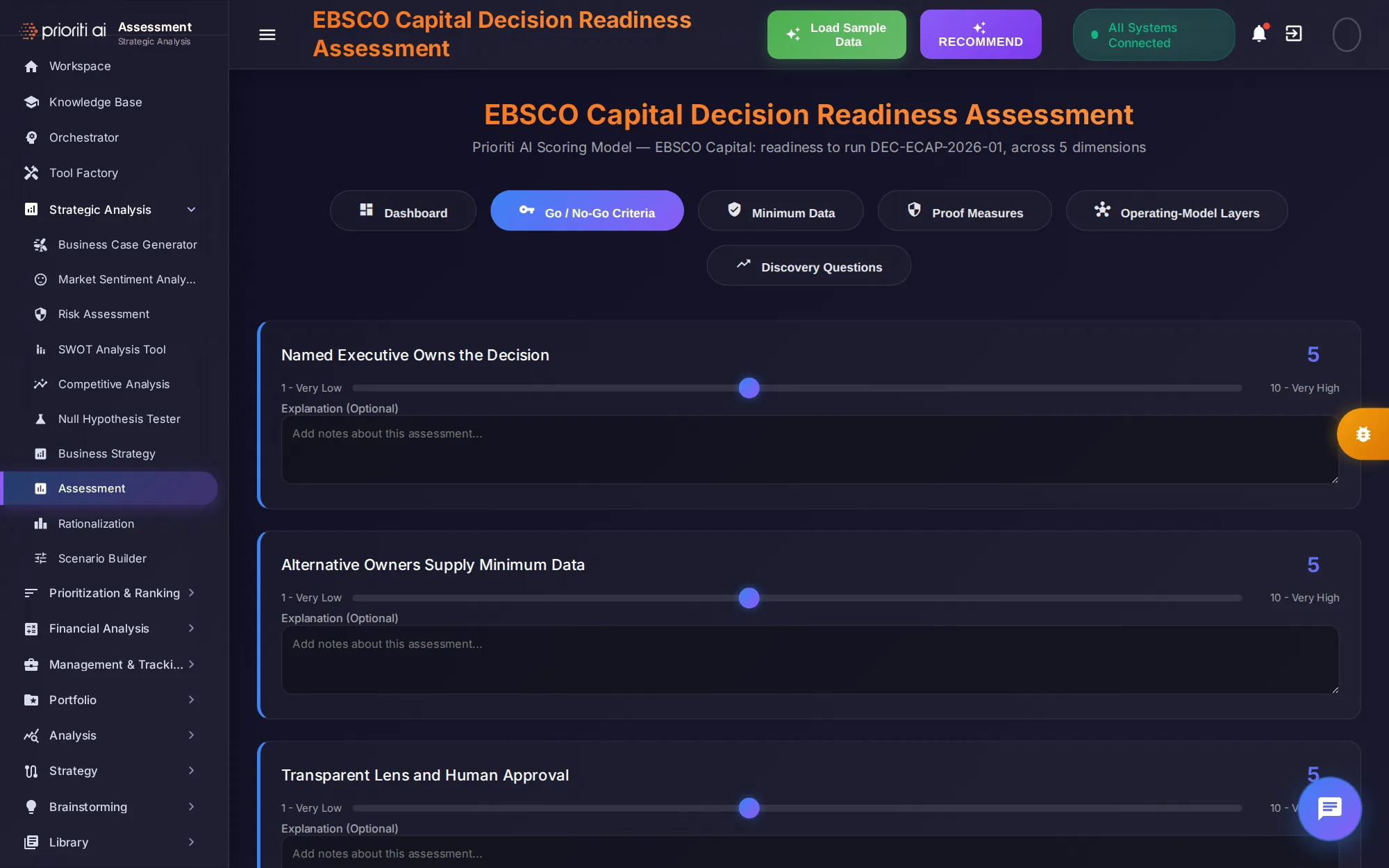
Assessment rates decision readiness. For Initech Capital, it scores readiness across five dimensions, with go and no-go criteria and proof measures.
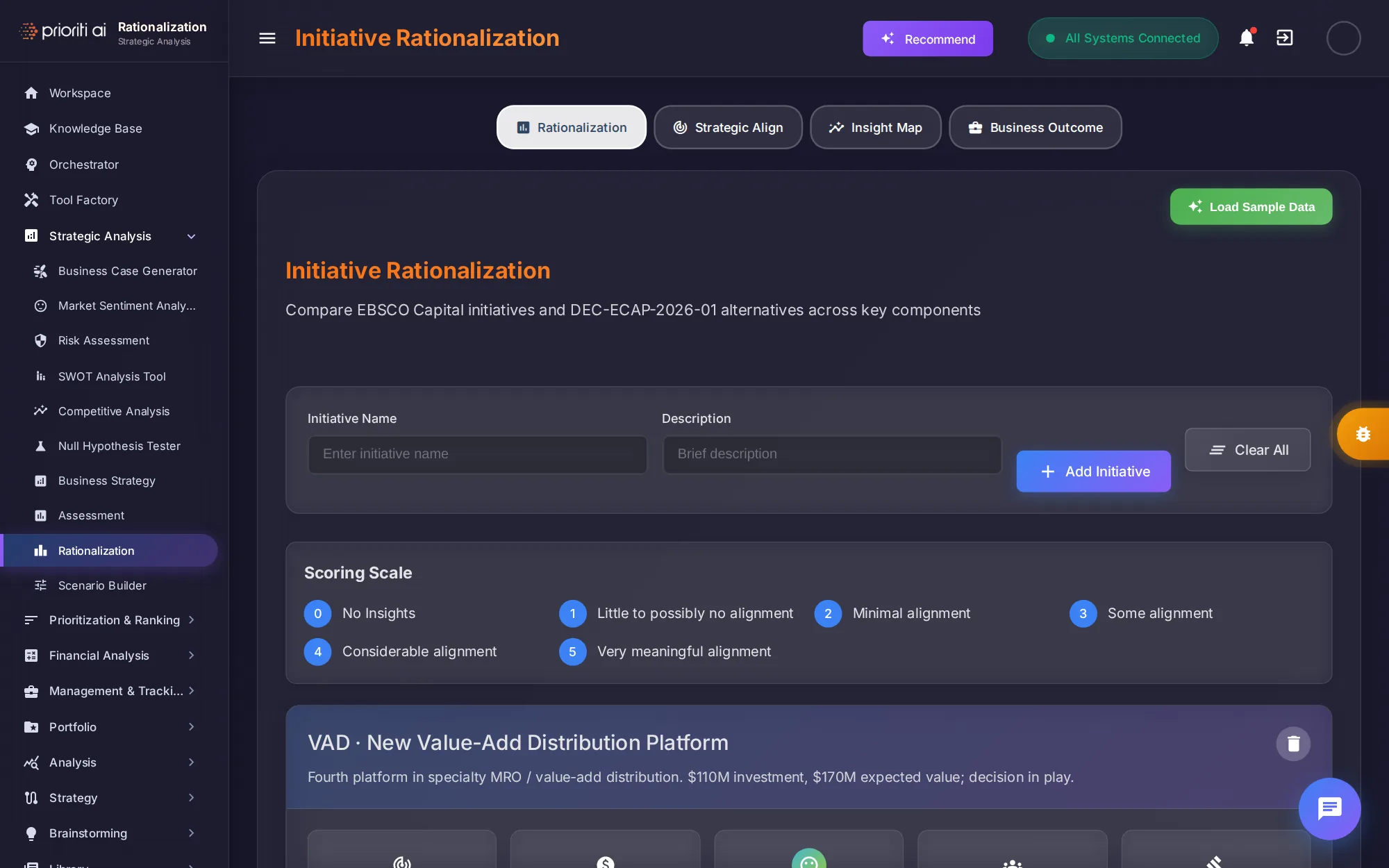
Rationalization compares initiatives and alternatives on a zero-to-five alignment scale, with views for strategic alignment, insight maps, and business outcomes.
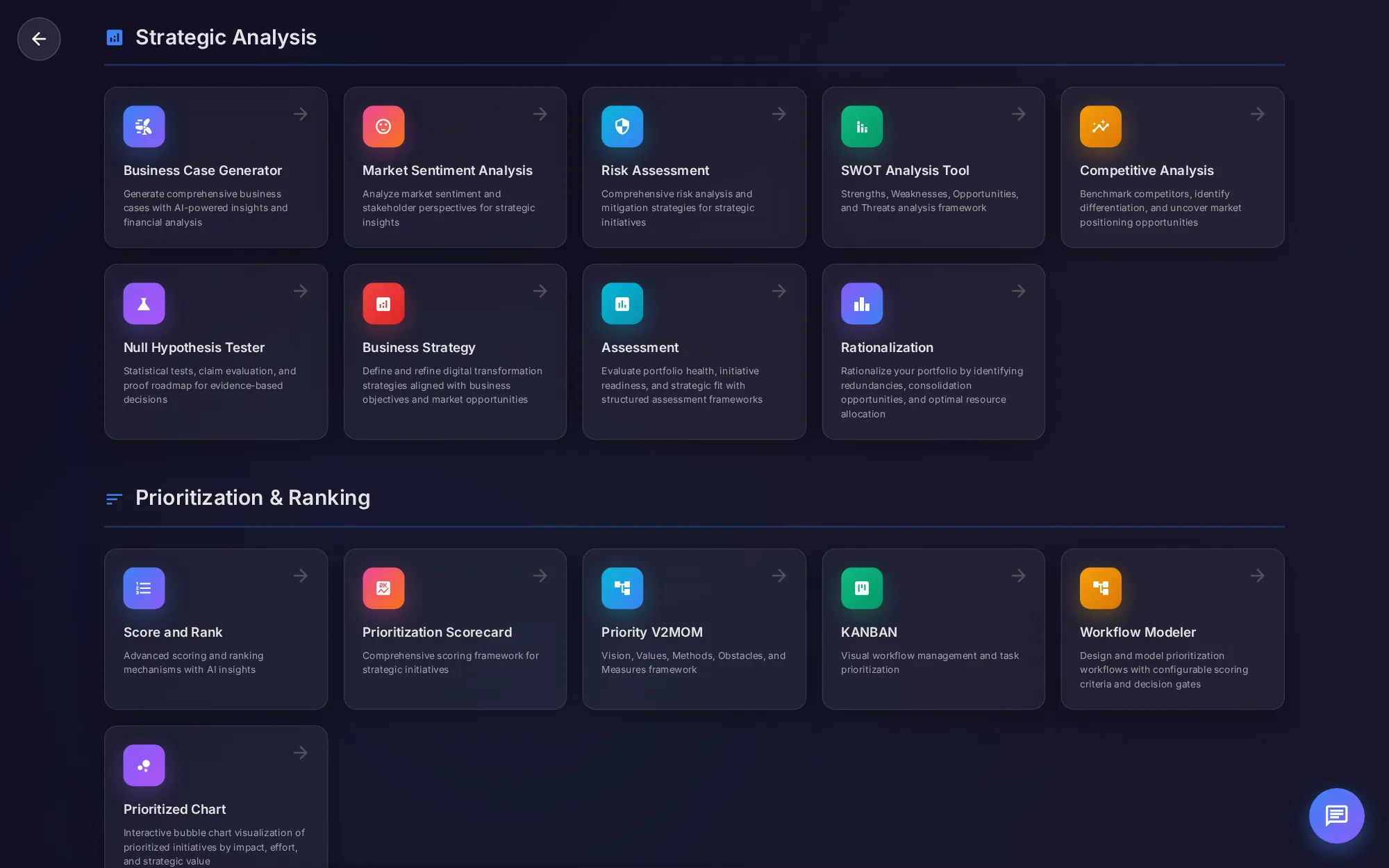
Prioritization and Ranking holds six tools for deciding what comes first, from Score and Rank to KANBAN and the prioritized chart.
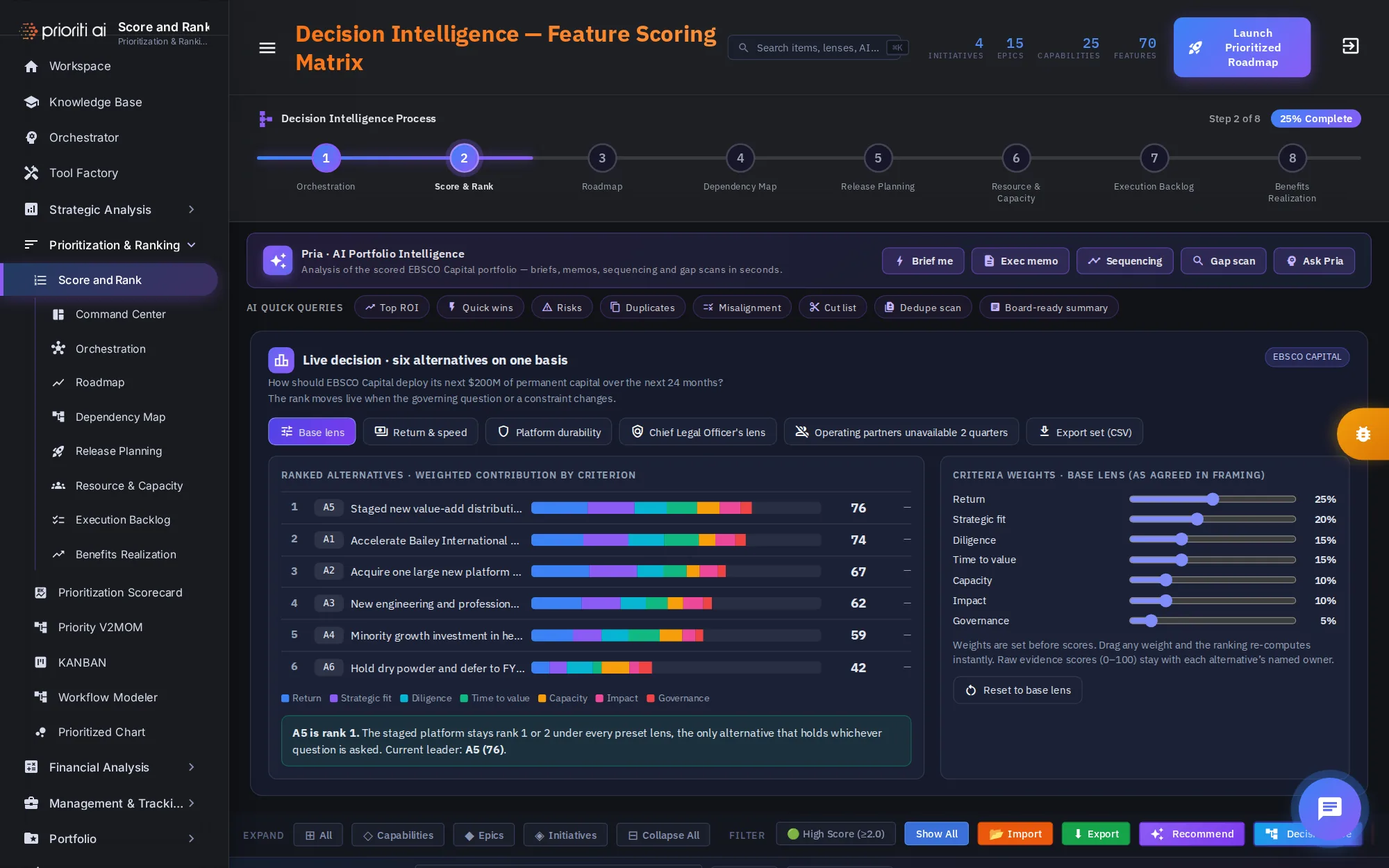
Score and Rank scores every initiative, epic, and feature on one basis, and ranks the six alternatives live. It has its own training tour.
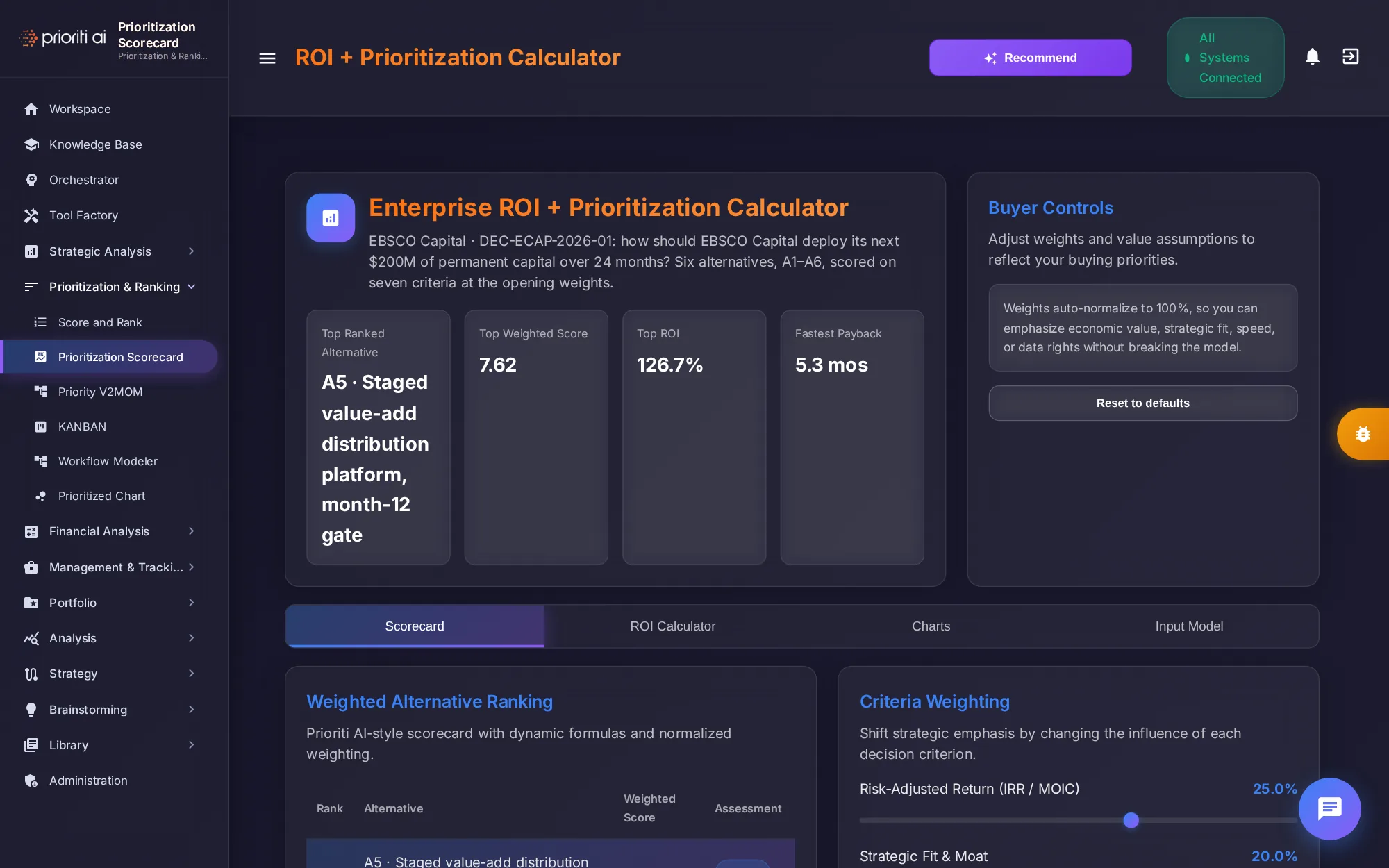
Prioritization Scorecard is an ROI and prioritization calculator. It ranks the alternatives by weighted score, with ROI, payback, and criteria weights you can adjust.
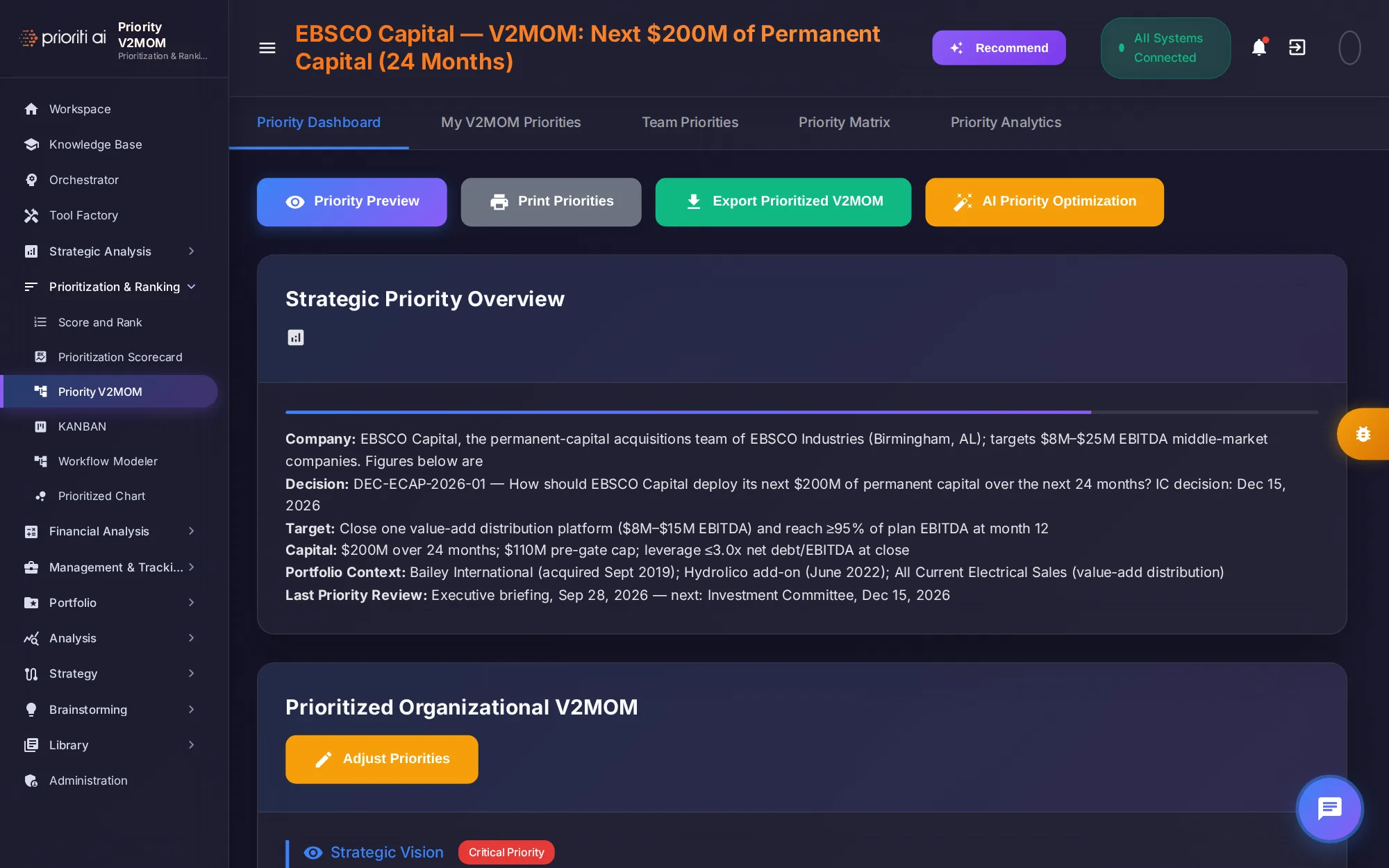
Priority V2MOM sets out vision, values, methods, obstacles, and measures. Here, it frames Initech Capital's next two hundred million dollars.
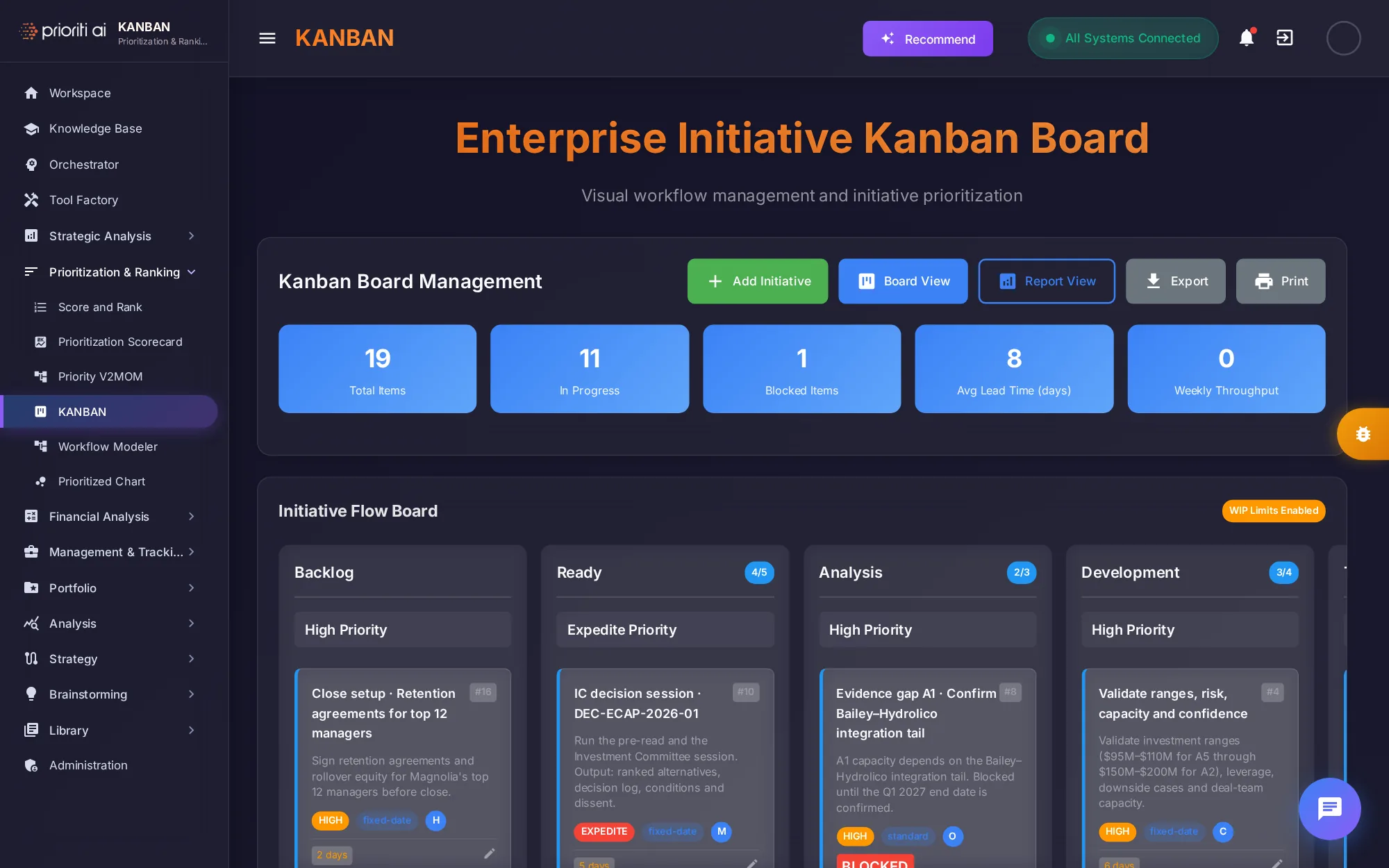
KANBAN is a visual board for initiative work, from backlog to done, with totals, blocked items, and lead time at the top.
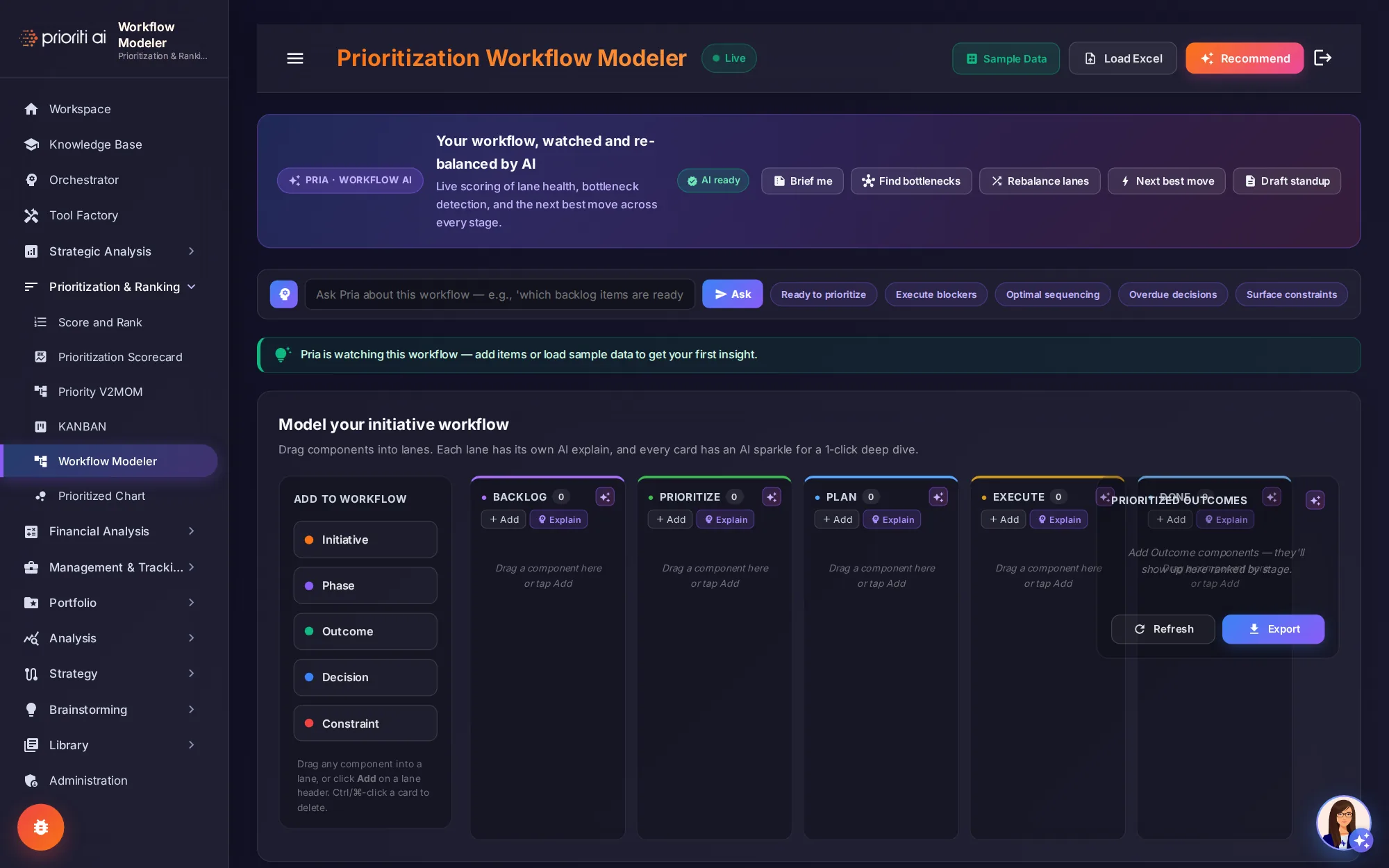
Workflow Modeler lets you design a prioritization workflow. Drag initiatives, phases, and decisions into lanes, and Pria watches for bottlenecks.
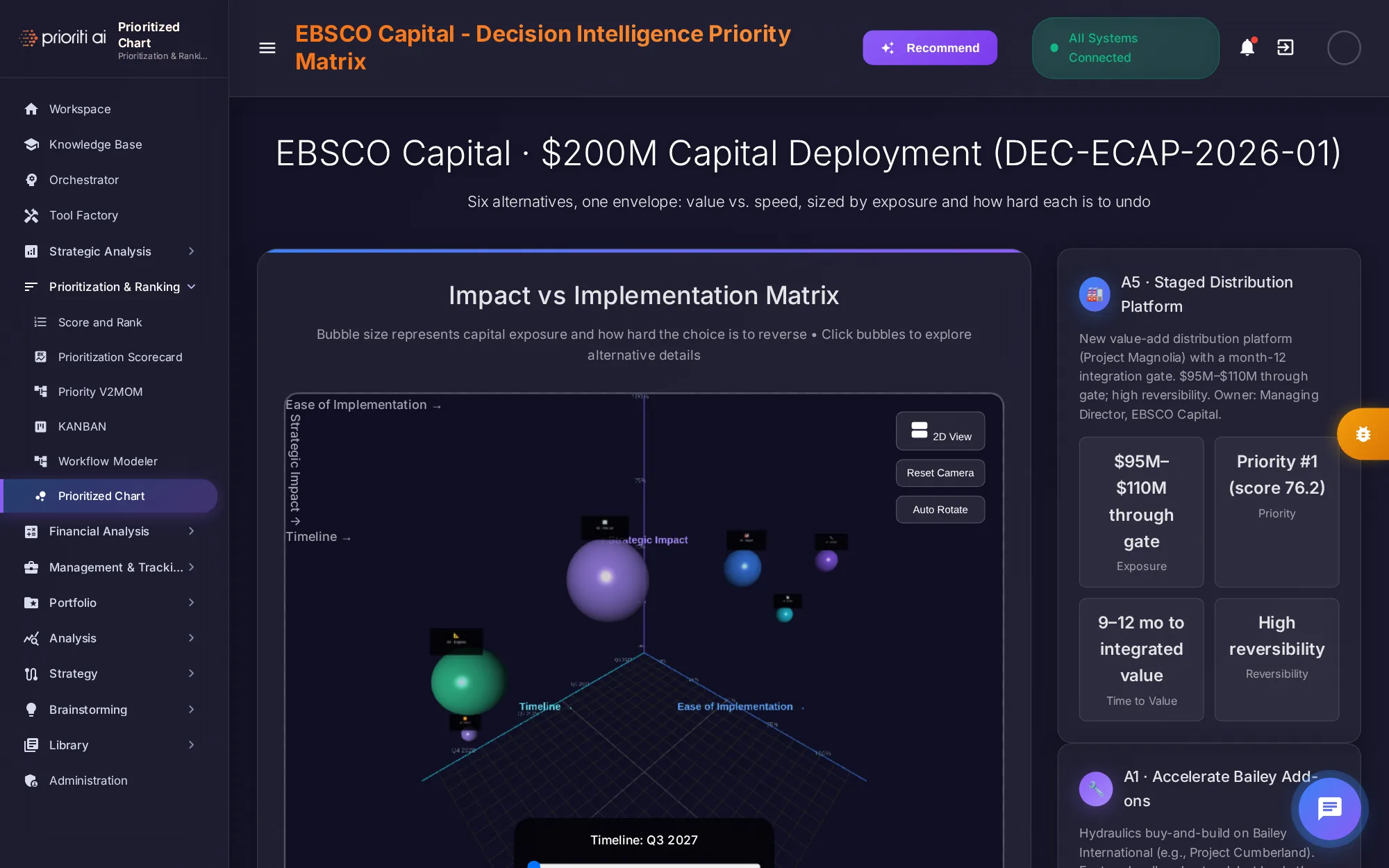
Prioritized Chart plots the six alternatives in 3D, by impact and ease of implementation, sized by capital exposure. Click a bubble to explore it.
Financial Analysis holds the Cost Benefit and ROI tool.
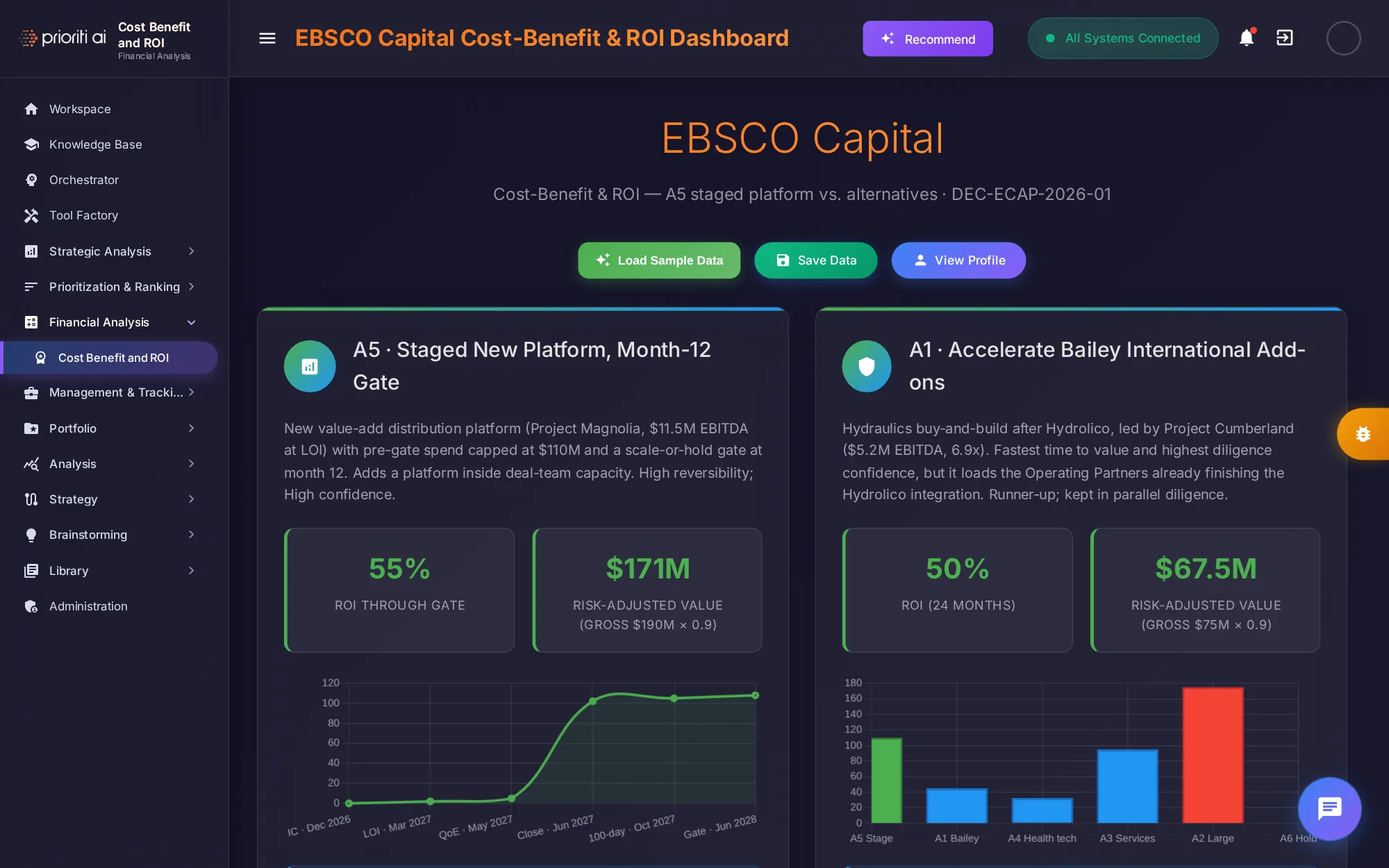
Cost Benefit and ROI compares the financial case for each alternative: ROI, risk-adjusted value, and how value builds over time.
Management and Tracking holds eleven tools for running the work: KPIs, tracking, workshops, timelines, JIRA, specs, and roadmaps.
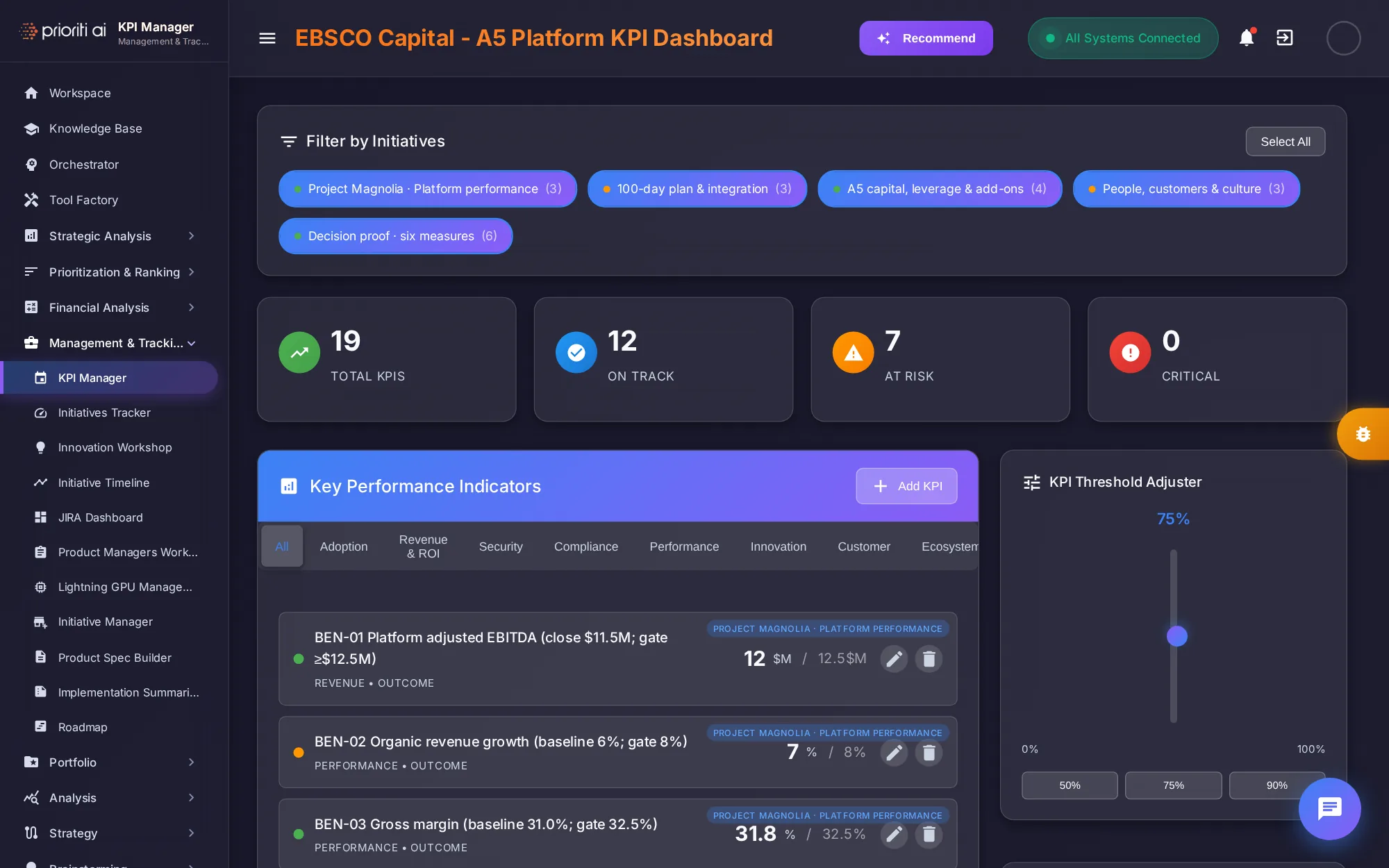
KPI Manager tracks key performance indicators against targets, grouped by initiative, with counts for on track, at risk, and critical.
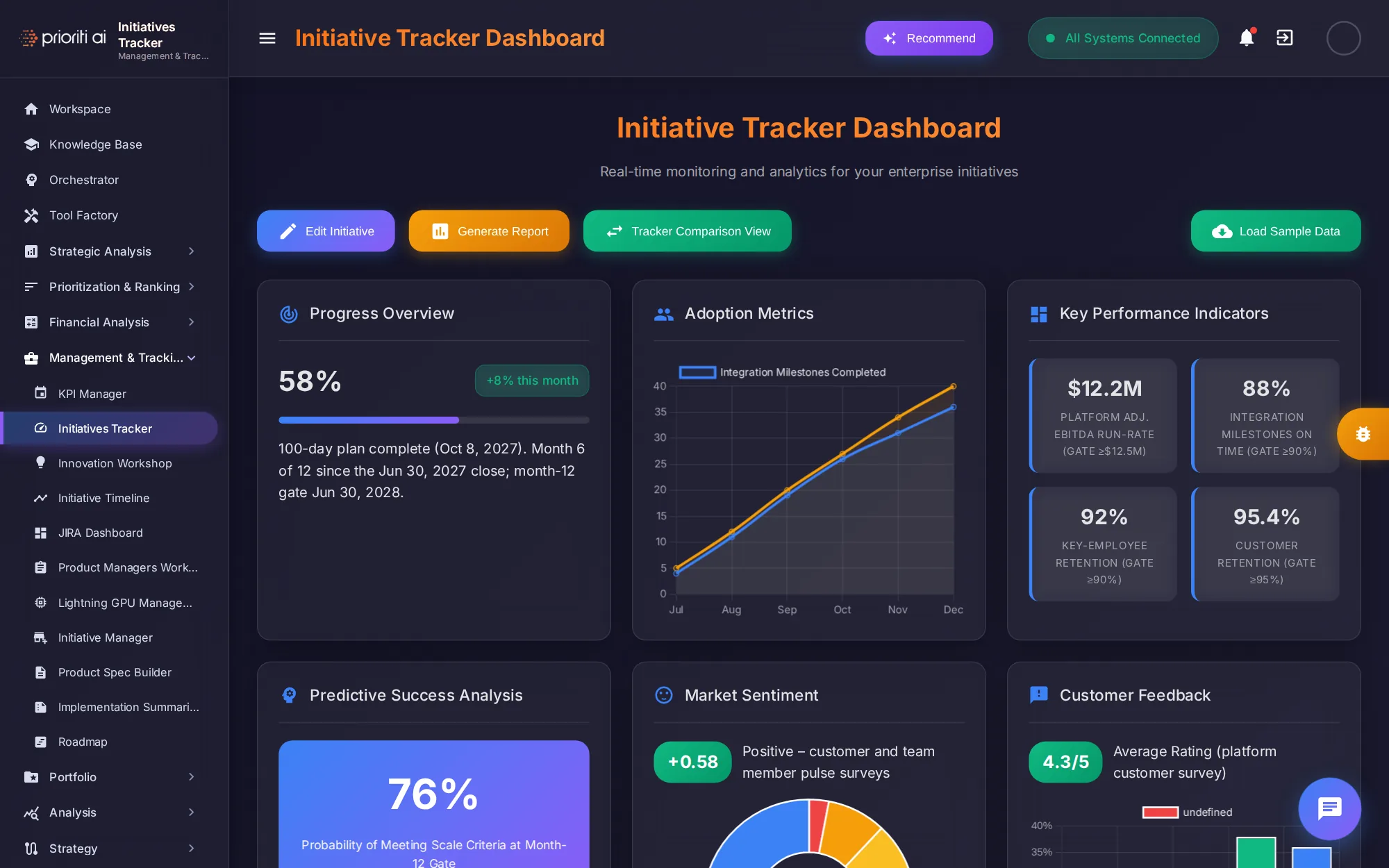
Initiatives Tracker monitors progress: plan completion, adoption, key indicators, and the predicted chance of success.
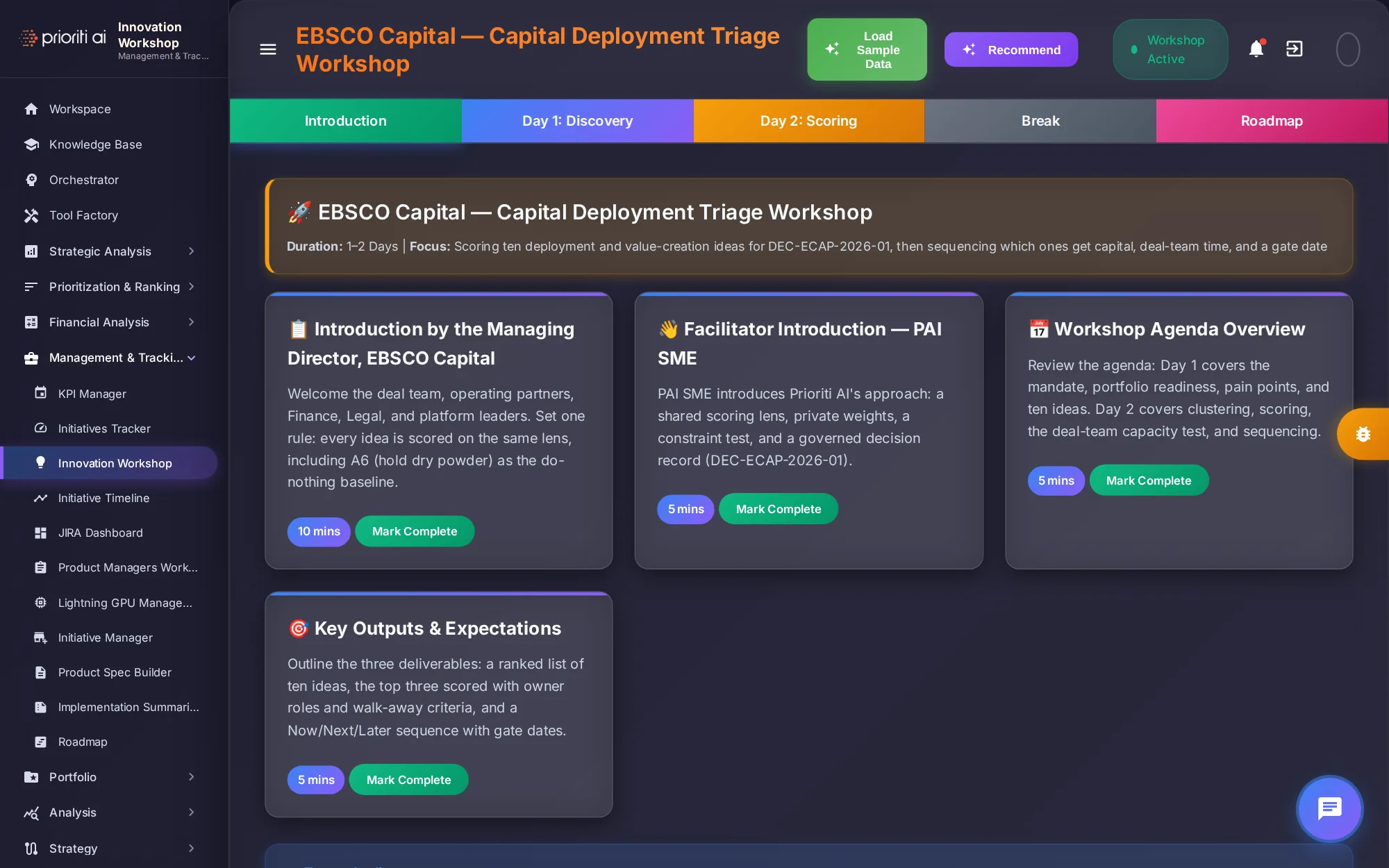
Innovation Workshop runs a facilitated session. Here, it's a two-day triage workshop to score and sequence ten capital deployment ideas.
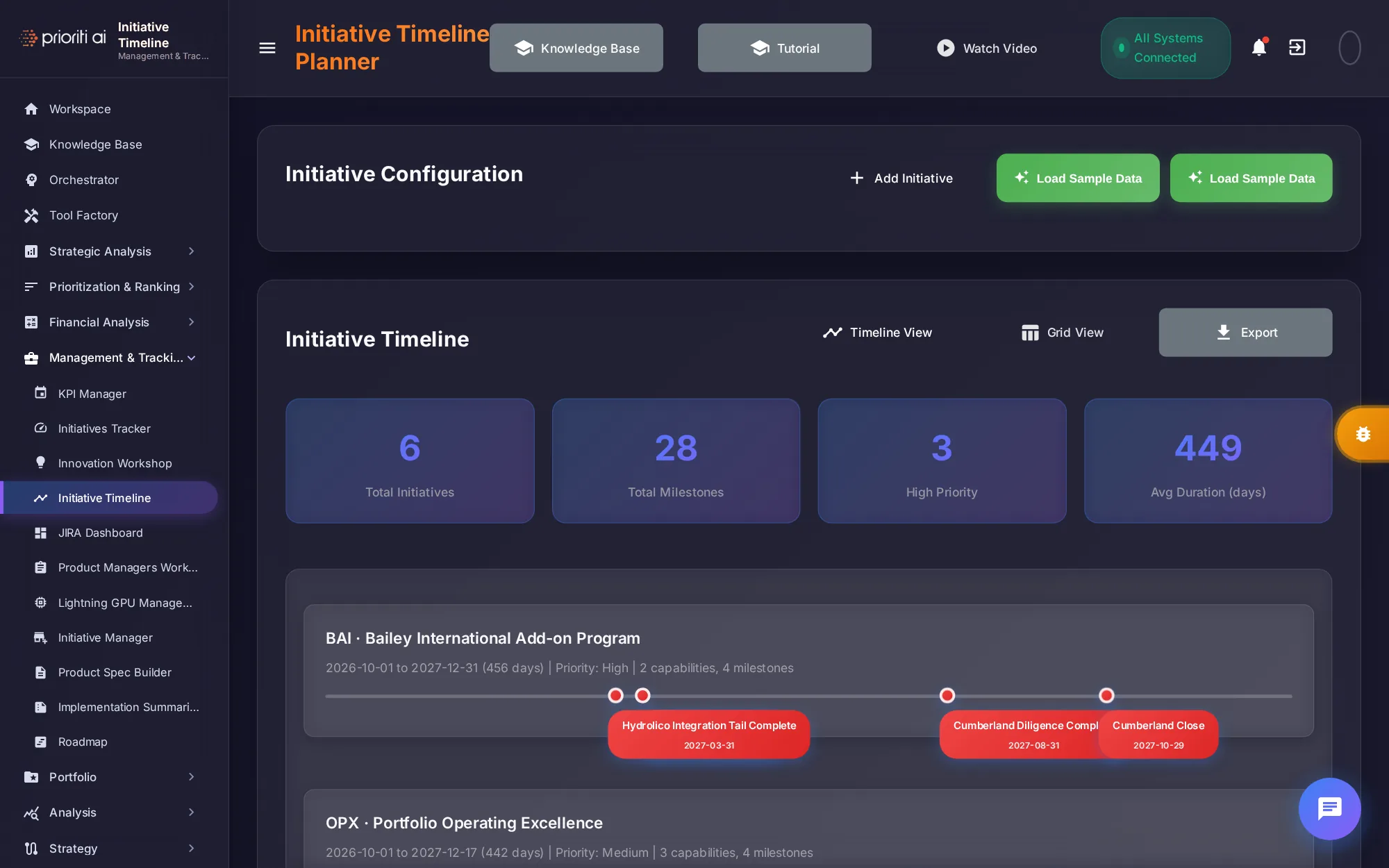
Initiative Timeline plans initiatives with dates, priorities, and capabilities, then lays them out on a timeline.
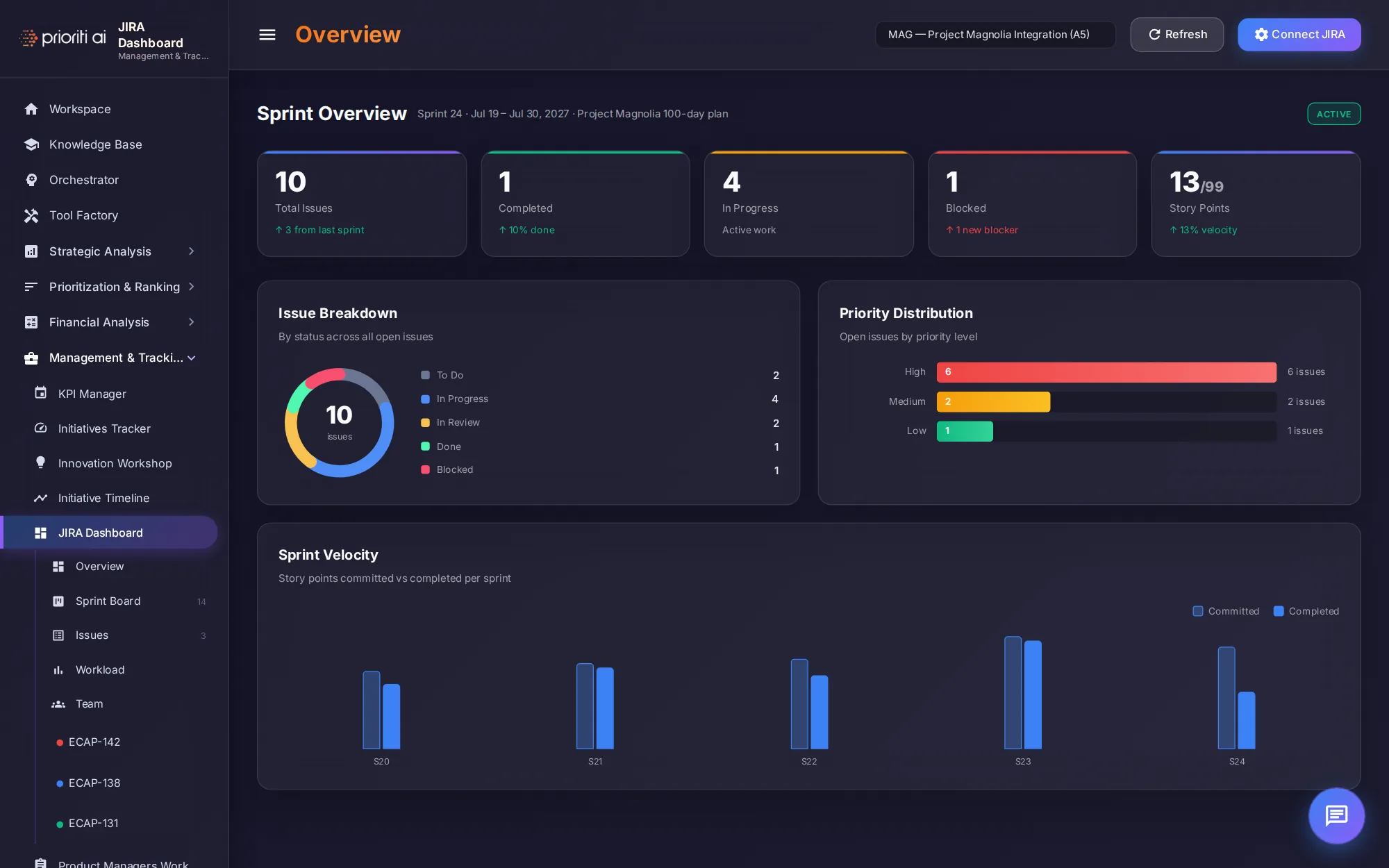
JIRA Dashboard shows sprint health: issues by status and priority, story points, and sprint velocity.
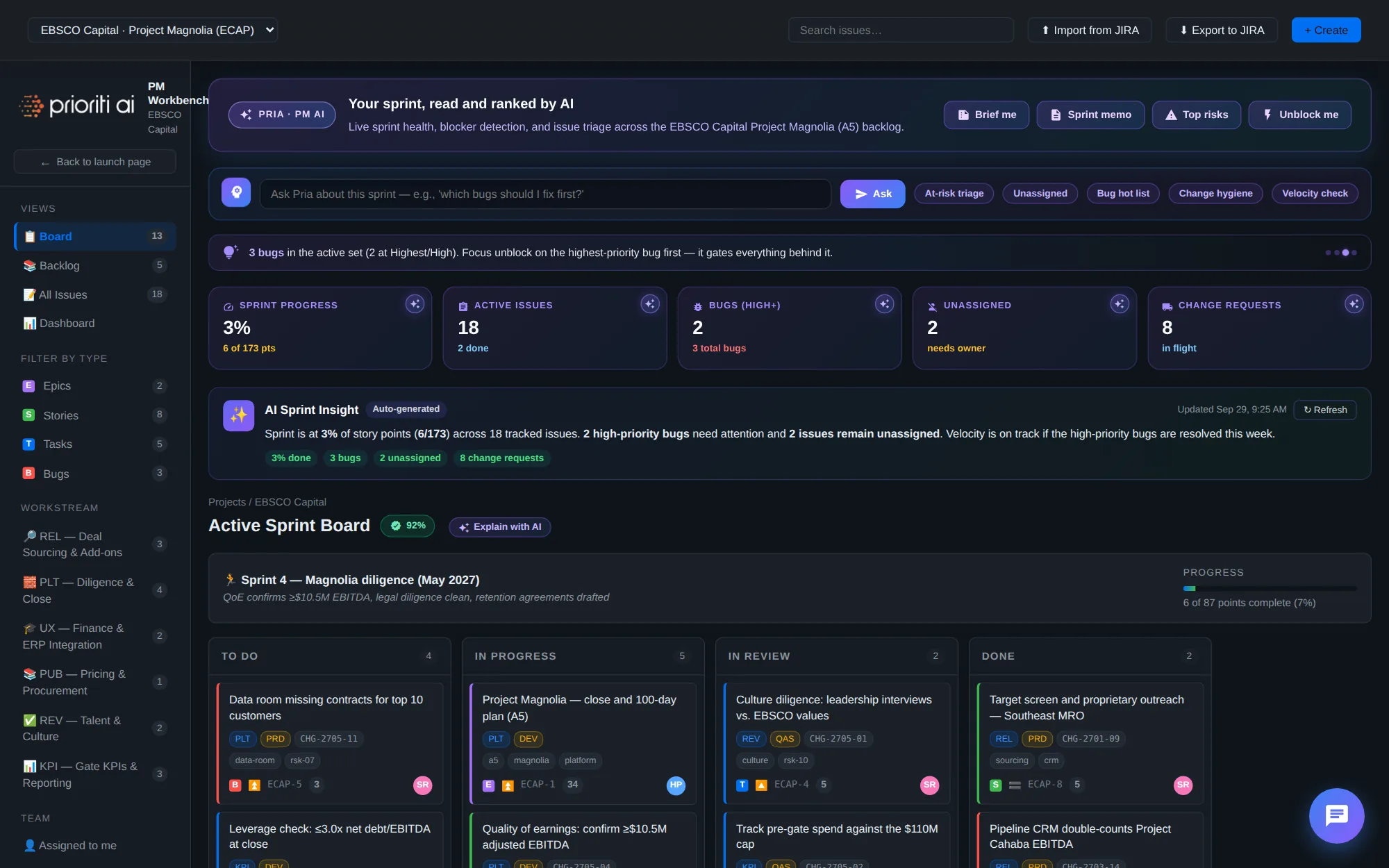
Product Managers Workbench manages issues, epics, and sprints with board, backlog, and dashboard views. It imports from and exports to JIRA, and Pria flags the risks.
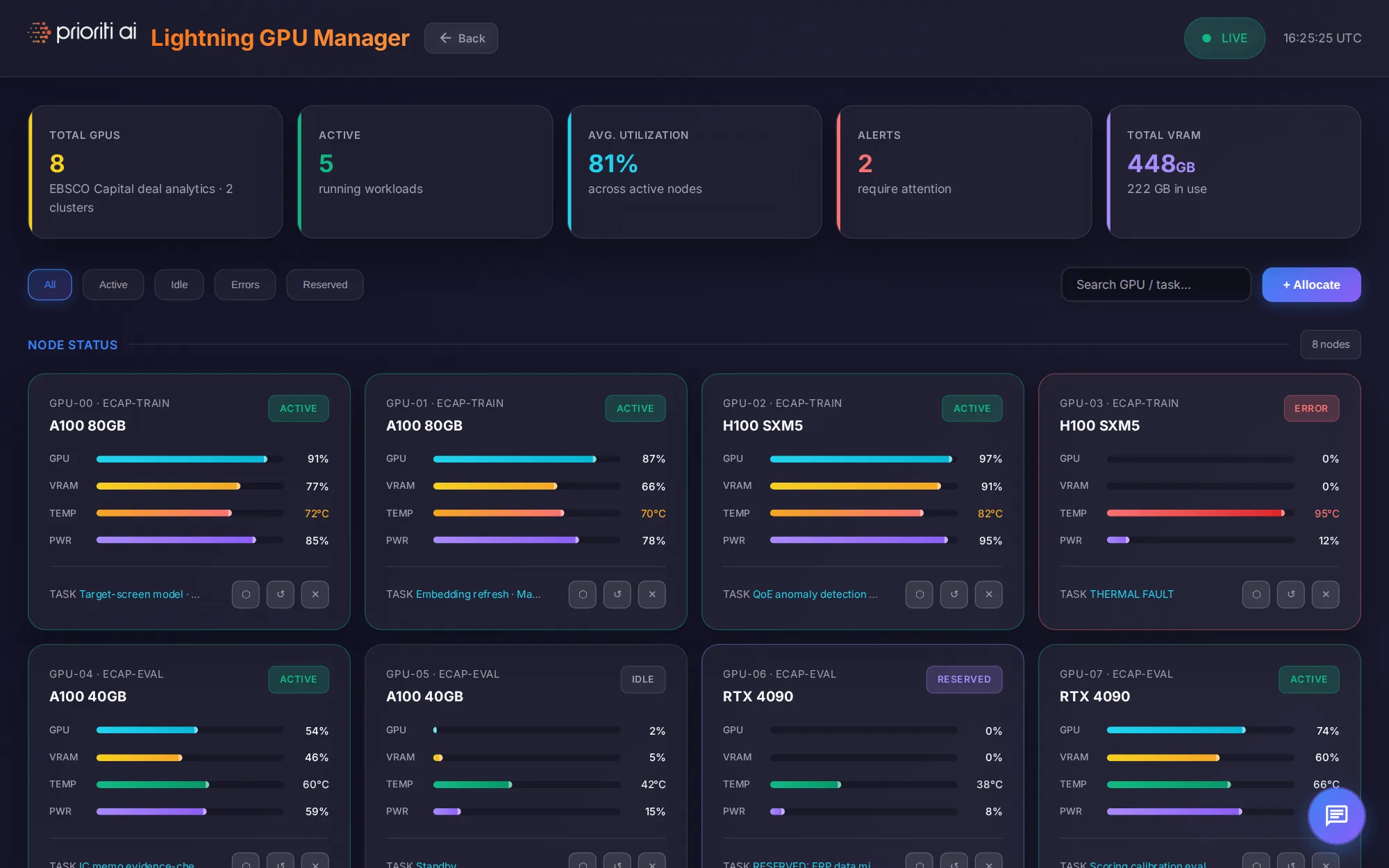
Lightning GPU Management monitors GPU nodes, with utilization, memory, temperature, and alerts, and lets you allocate workloads.
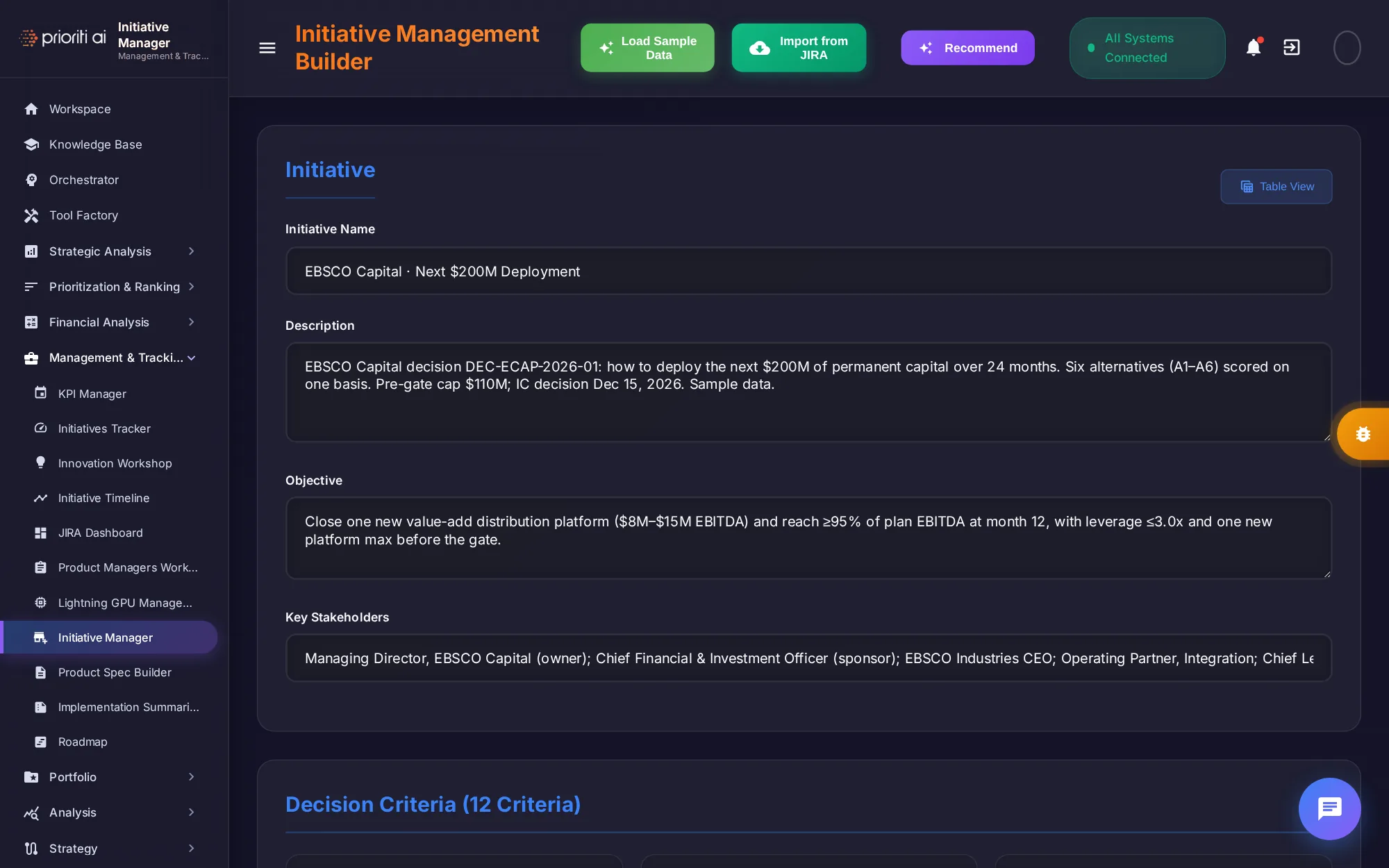
Initiative Manager builds and scopes an initiative: its name, objective, stakeholders, and twelve decision criteria. You can also import from JIRA.
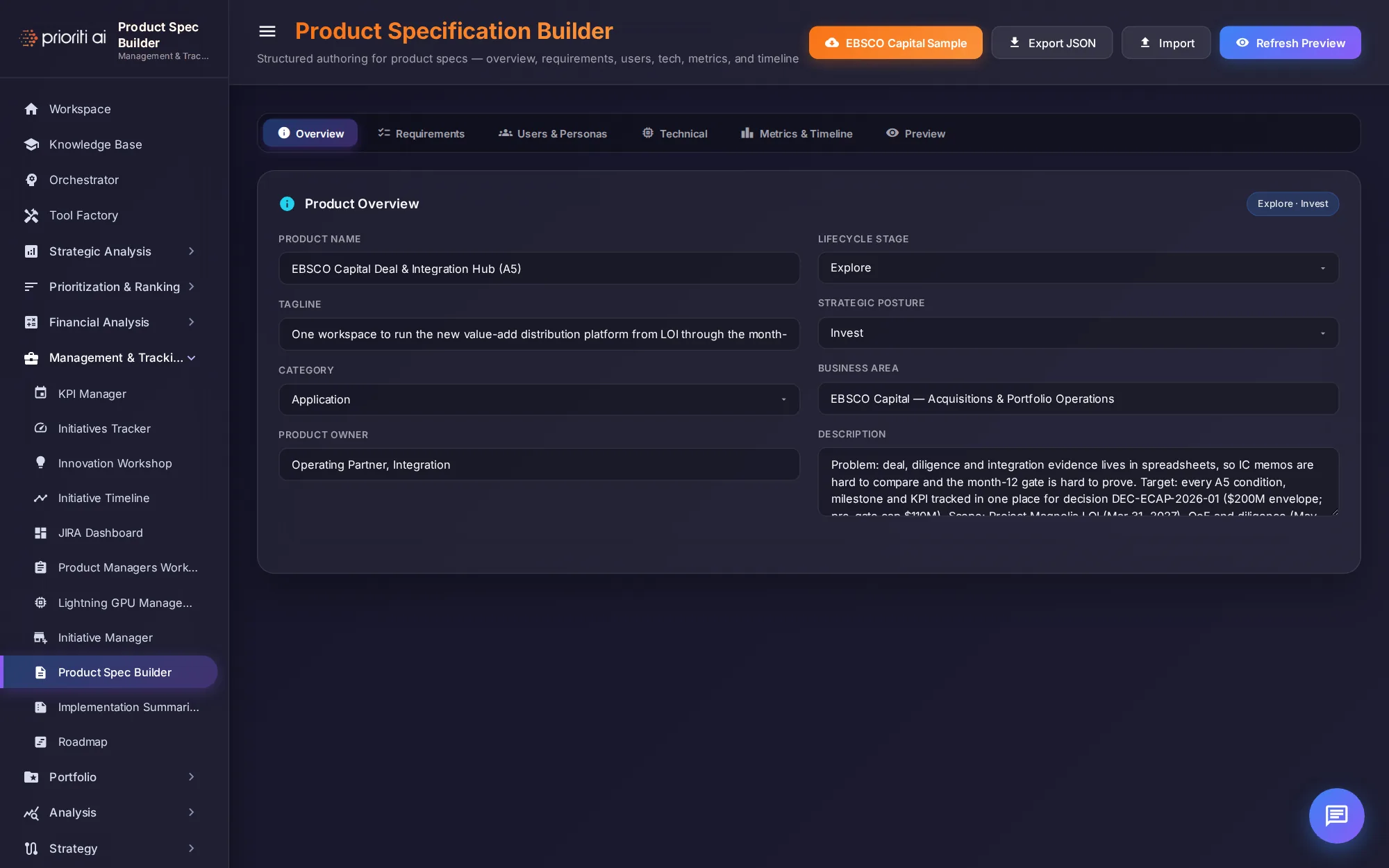
Product Spec Builder authors a full product specification: overview, requirements, personas, technical design, metrics, and timeline.
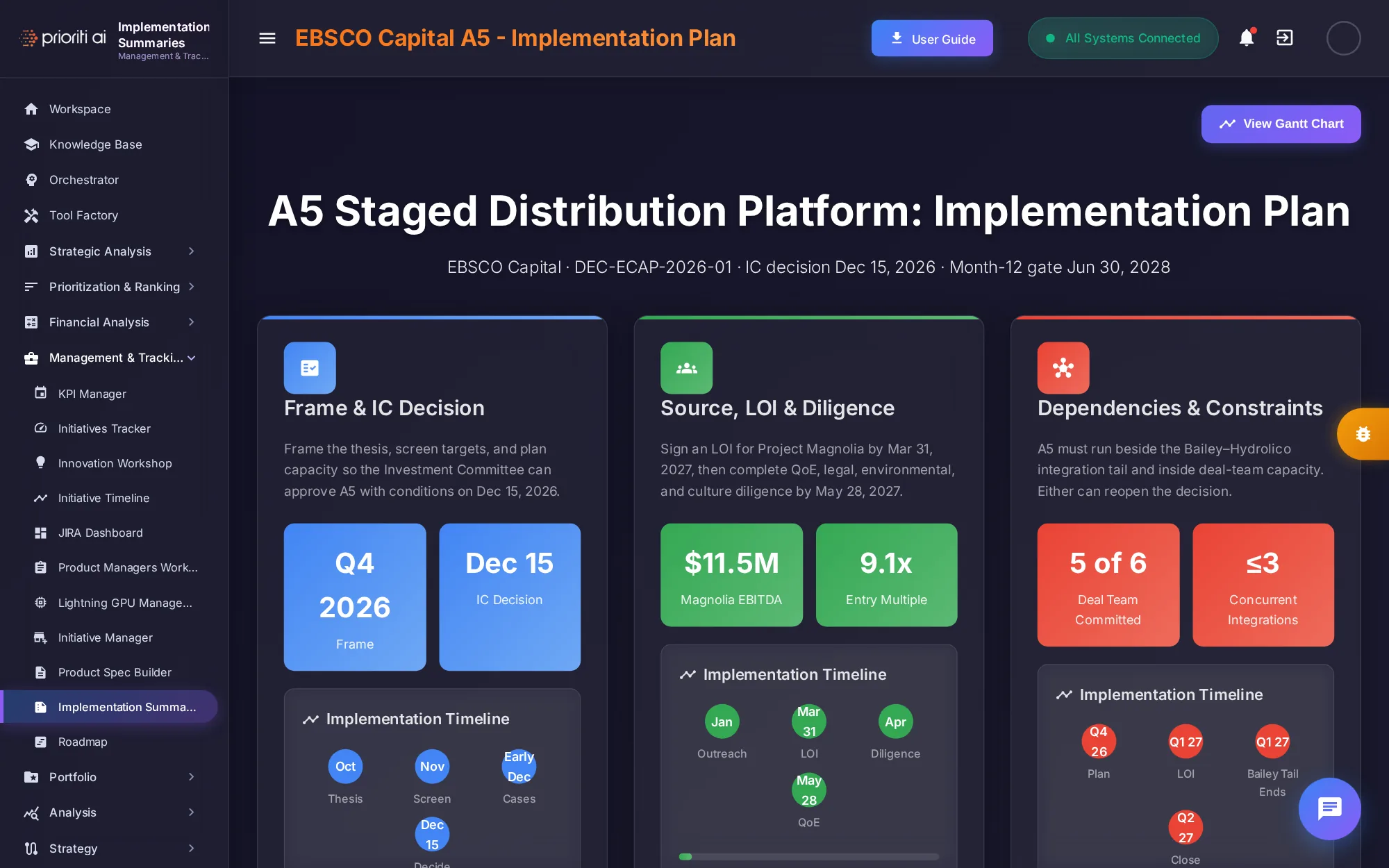
Implementation Summaries turns a decision into an executive-ready plan. Here, it's the A5 plan, from the IC decision through sourcing, diligence, and dependencies.
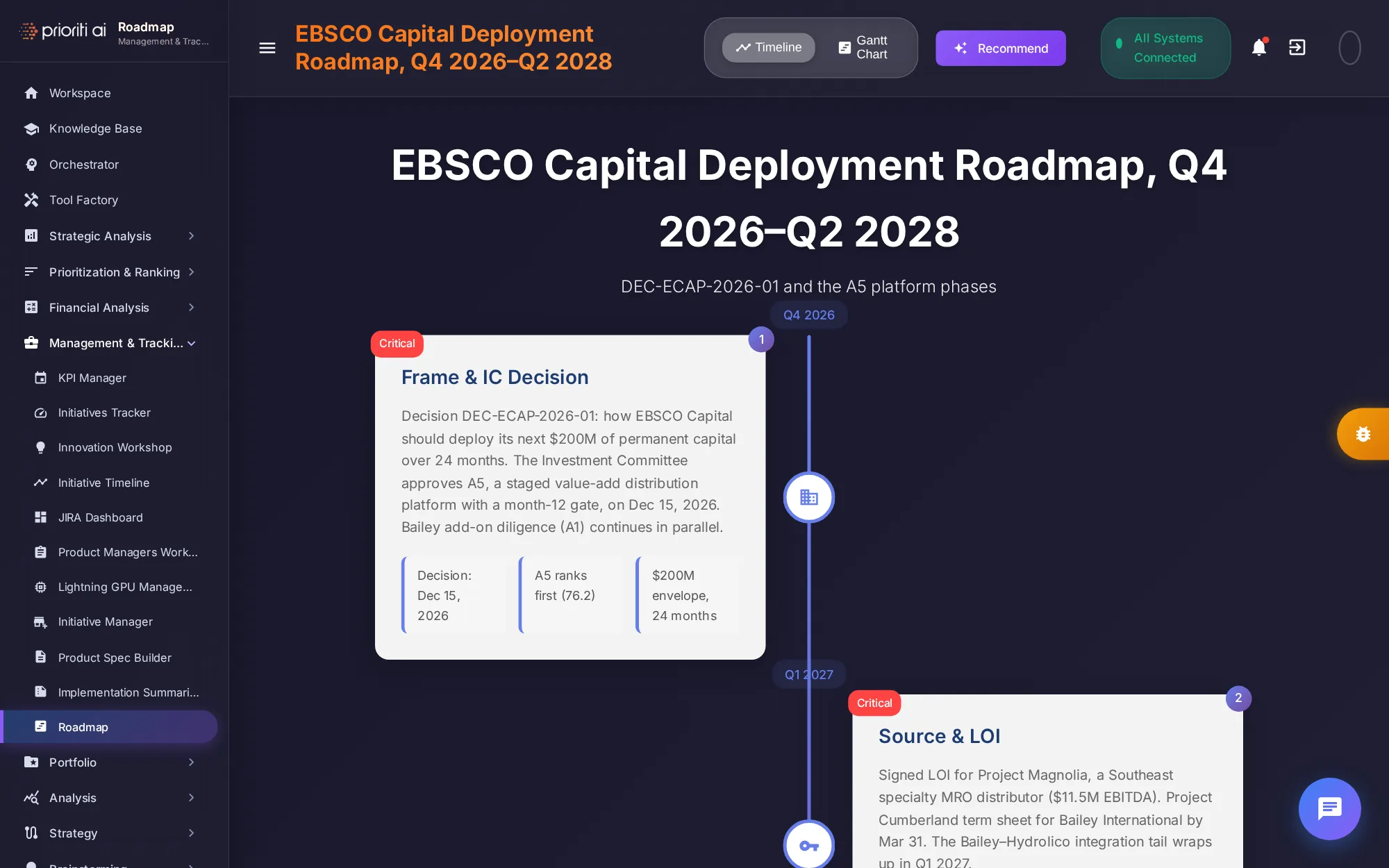
Roadmap shows initiatives on an interactive timeline. Switch to the Gantt chart for timelines, dependencies, and delivery milestones.
Inside any tool, the sidebar lists the same categories, so you can move between tools without coming back to the Factory.
That's the Tool Factory: four categories and twenty-seven tools. Pick the card that matches your question, and Pria will help you from there.